
Decentralized social platforms are rapidly redefining how we communicate online. With Farcaster and Lens Protocol, developers can now build apps that empower users to own their social identities, content, and relationships. If you're ready to move beyond centralized walled gardens, mastering these protocols is a practical way to shape the next generation of Web3 social networks.
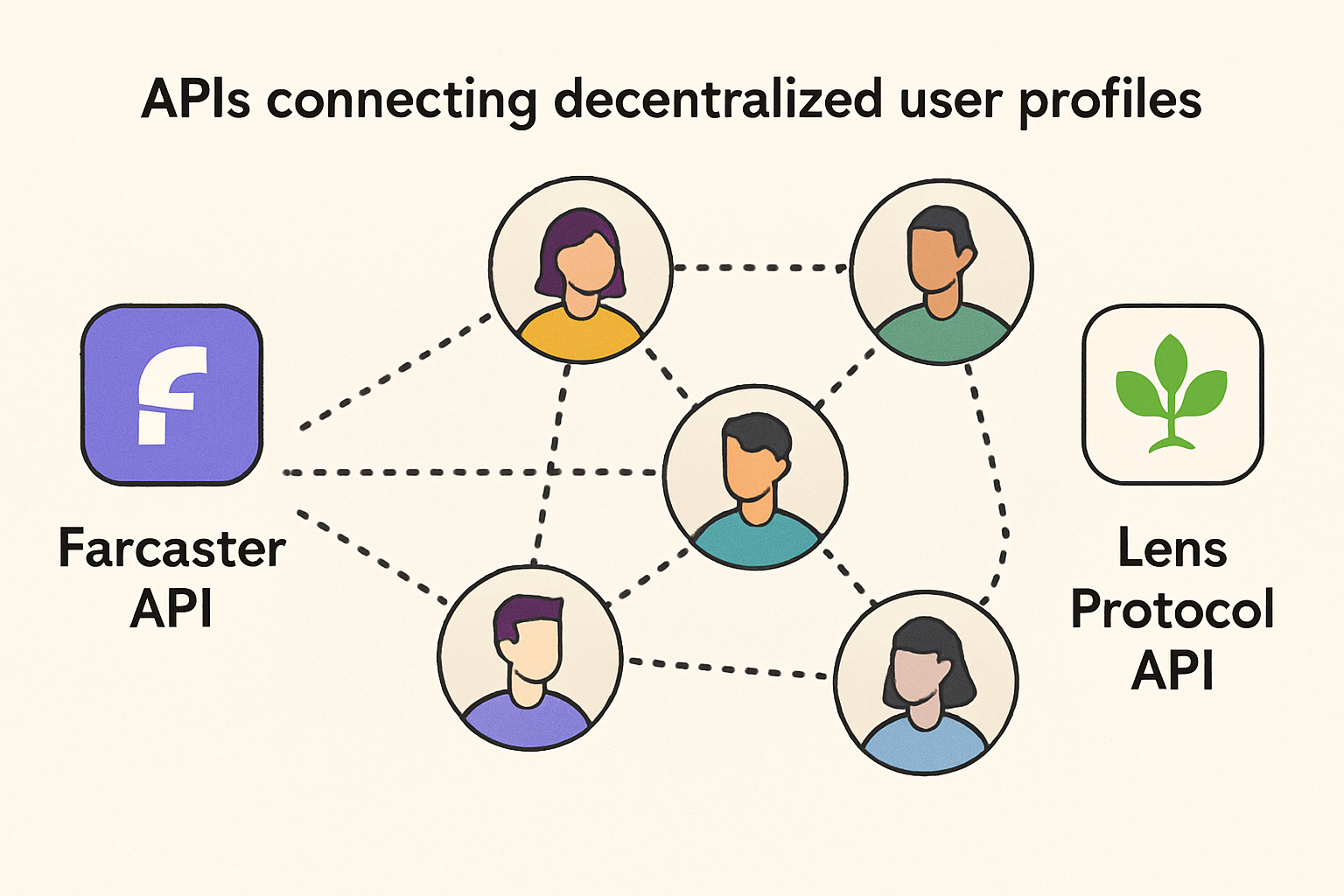
Farcaster and Lens Protocol: The Core Building Blocks
Farcaster operates as a decentralized social protocol where every user is identified by a unique FID (Farcaster ID). This enables true ownership of identity and data, with features like:
- Casts: User posts similar to tweets
- Social graph: Follows, followers, and connections all recorded on a decentralized ledger
- Sufficient decentralization: Anyone can build clients or mini-apps that interact with the shared network
Lens Protocol, meanwhile, leverages the Polygon blockchain for its decentralized social graph. Users create profiles, publish content (posts, comments, mirrors), and manage follows - all as on-chain assets. This means users truly own their content and connections.
If you want your app to offer censorship resistance, portable identities, or direct monetization for creators, both protocols are essential tools in your stack.
Setting Up Your Development Environment: APIs and Tooling
The first technical step is integrating with each protocol's API layer. For Farcaster API integration, the go-to choice is Neynar's SDK:
Setting Up the Neynar Farcaster API Client in JavaScript
Let's start by setting up the Neynar Farcaster API client in your JavaScript project. This will allow you to interact with Farcaster's decentralized social graph.
// Import the Neynar Farcaster API client
import { NeynarAPIClient } from "@neynar/nodejs-sdk";

// Initialize the client with your API key
const client = new NeynarAPIClient(process.env.NEYNAR_API_KEY);

// Example: Fetch user data by Farcaster fid
async function getUserData(fid) {
  try {
    const user = await client.lookupUserByFid(fid);
    console.log("User data:", user);
    return user;
  } catch (error) {
    console.error("Failed to fetch user data:", error);
  }
}

// Replace with a valid Farcaster fid
gitUserData(2);
With this setup, you're ready to make authenticated requests to Farcaster through Neynar. Next, you can explore fetching casts, posting messages, or integrating social features into your app.
This SDK lets you fetch user data by FID, pull feeds, or post new casts programmatically. For rapid prototyping or production builds alike, it abstracts away much of the complexity of working directly with protocol-level primitives.
The Lens Protocol developer guide recommends using a GraphQL client such as Apollo or urql. With just a few lines of code you can query for profiles or publish posts directly to the blockchain-backed social graph:
Querying Lens Protocol Profiles with urql
Let's see how you can query Lens Protocol profiles using the urql GraphQL client in JavaScript. This example demonstrates fetching a profile by its handle.
import { createClient, dedupExchange, cacheExchange, fetchExchange, gql } from 'urql';

// Initialize the urql client with the Lens Protocol API endpoint
const client = createClient({
  url: 'https://api.lens.dev',
  exchanges: [dedupExchange, cacheExchange, fetchExchange],
});

// Define a GraphQL query to fetch profiles by handle
const GET_PROFILE = gql`
  query GetProfile($handle: Handle!) {
    profile(request: { handle: $handle }) {
      id
      name
      bio
      handle
      picture {
        ... on MediaSet {
          original {
            url
          }
        }
      }
    }
  }
`;

// Function to fetch a profile by handle
async function fetchProfile(handle) {
  const result = await client.query(GET_PROFILE, { handle }).toPromise();
  if (result.error) {
    console.error('Error fetching profile:', result.error);
    return null;
  }
  return result.data.profile;
}

// Example usage
fetchProfile('vitalik.lens').then(profile => {
  if (profile) {
    console.log('Profile:', profile);
  } else {
    console.log('Profile not found.');
  }
});
This code provides a solid foundation for integrating Lens Protocol profile queries into your decentralized social app. Experiment with different queries and handles to explore the rich data available!
This approach makes it easy to build rich interfaces where users can browse feeds or create content while maintaining full sovereignty over their data.
User Authentication and Social Graph Management in Web3 Apps
A critical difference between traditional apps and Web3 social apps is authentication. Instead of passwords or OAuth logins tied to corporate servers, users authenticate via wallet signatures or protocol-native keys.
- Farcaster sign-in: Users log in with their Farcaster account (FID), enabling seamless access across any compatible app.
- Lens Protocol sign-in: Wallet-based authentication ensures only profile owners can post or modify their data.
This model not only improves privacy in decentralized apps but also means users carry their identity - including follows and content - across different clients without re-registering.
Tutorial Highlights: Building Your First Decentralized Social App
If you're looking for a detailed walkthrough on building your first dApp using these protocols - including sample code and UI integration tips - check out our comprehensive tutorial at this link.
With your authentication and API integrations in place, the next phase is frontend development. This is where user experience and protocol power meet. Design your interfaces to highlight the unique advantages of decentralized social: portable profiles, censorship resistance, and direct user monetization. For example, allow users to switch seamlessly between their Farcaster and Lens identities or surface on-chain stats such as follower counts and recent posts.
On the backend, focus on robust data handling. Since Farcaster and Lens both operate on open social graphs, your app can easily aggregate public activity from any user, no more siloed data. However, always respect user privacy settings and avoid exposing sensitive data that users intend to keep private.
Testing, Deployment, and Community Best Practices
Testing is non-negotiable in Web3 social app development. Write unit tests for every API interaction, fetching a feed, posting content, updating profiles. Integration tests should cover end-to-end flows like signing in with a wallet and posting a cast or publication. Many bugs in decentralized apps stem from unexpected protocol changes or network latency; comprehensive tests help you catch these early.
When it’s time to deploy, choose hosting that supports rapid updates and scales with demand. Decentralized frontends (such as IPFS or Arweave) are ideal for maximum censorship resistance but may require extra setup for dynamic APIs. Monitor usage patterns closely, tools like Dune Analytics or custom dashboards can provide insight into which features resonate with your audience.
Staying Ahead: Evolving With the Protocols
The pace of innovation in Web3 social is relentless. Both Farcaster and Lens Protocol frequently roll out new features: richer publication types, improved moderation tools, advanced monetization modules. Staying active in developer communities is crucial, join Discord servers, follow protocol GitHubs, and subscribe to update feeds so you can adapt quickly when APIs change or new capabilities emerge.
If you’re aiming for long-term success:
- Iterate rapidly: Ship MVPs early to gather feedback from real users.
- Prioritize privacy: Make user consent explicit when accessing social graph data.
- Document thoroughly: Clear docs help onboard contributors, and boost community trust.
- Embrace modularity: Architect your app so you can swap protocols or add new ones without breaking core functionality.
Level Up Your dApp: Advanced Features and Next Steps
The real magic happens when you combine protocol primitives into novel experiences. For example:
Innovative Features to Build with Farcaster & Lens APIs
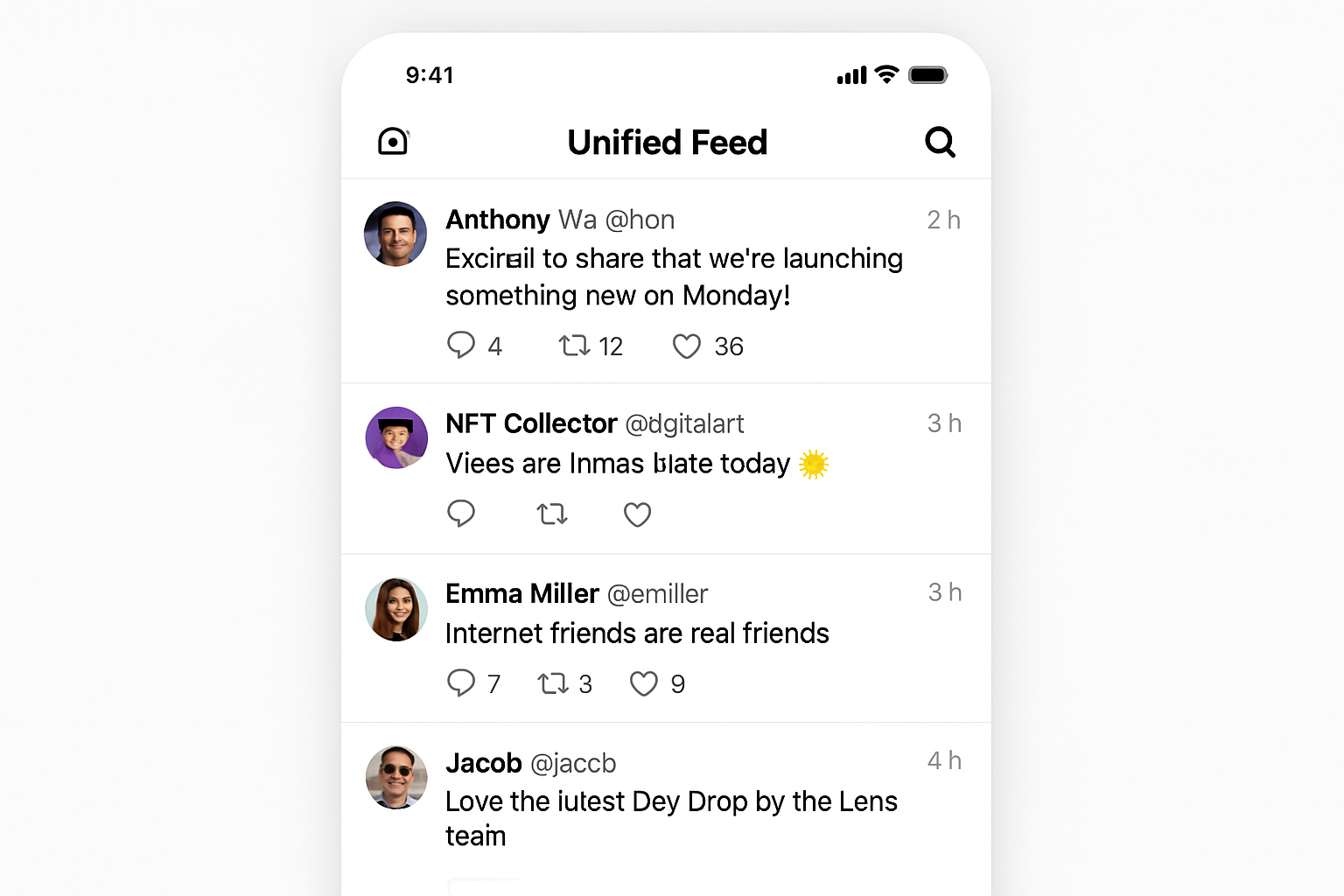
- Cross-Protocol Social Feeds: Aggregate and display user posts from both Farcaster (casts) and Lens Protocol (publications) in a unified, real-time timeline, letting users interact across decentralized networks.
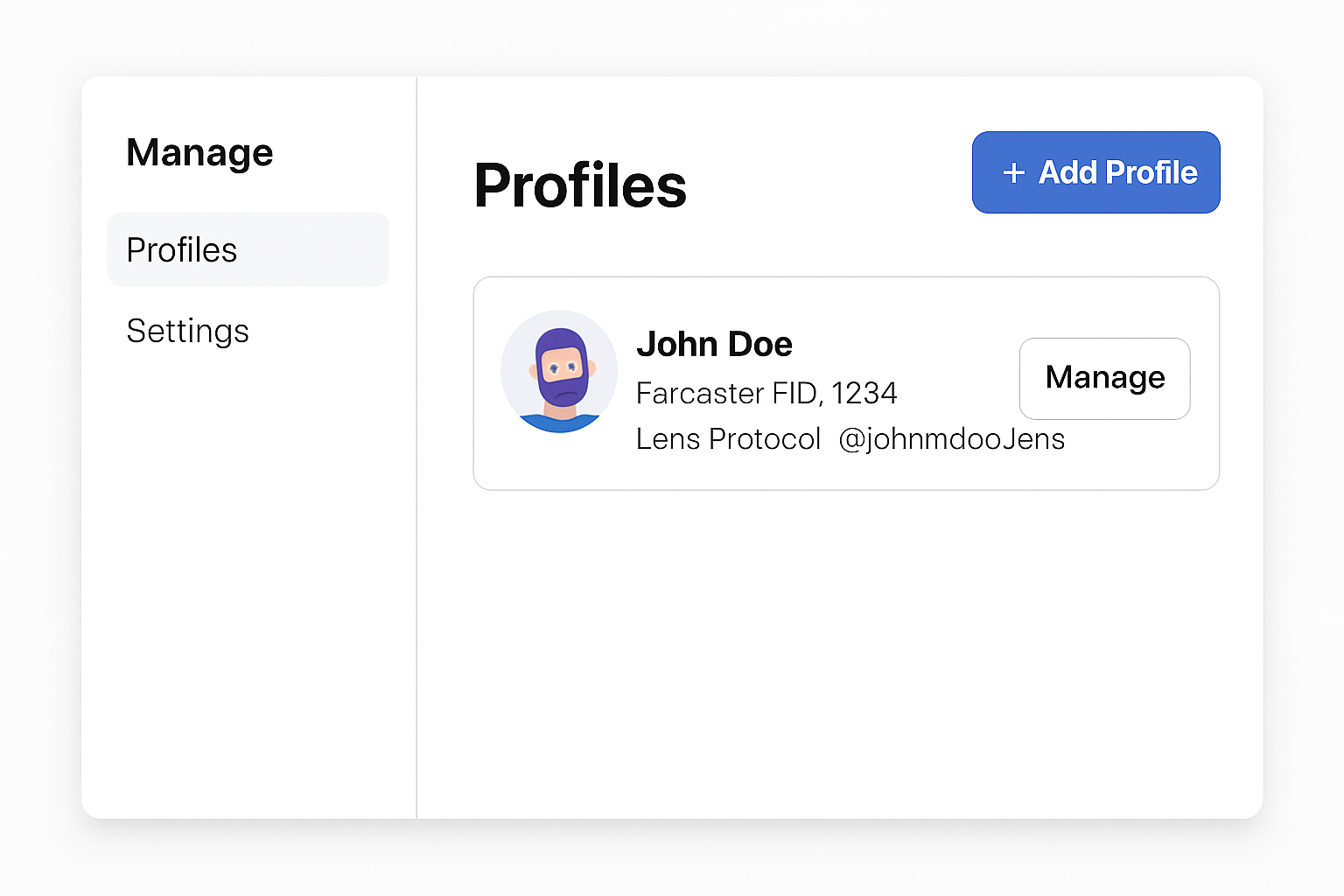
- Decentralized Identity & Profile Ownership: Enable users to sign in with their Farcaster FID or Lens handle, manage their on-chain profiles, and fully own their social identity and data.
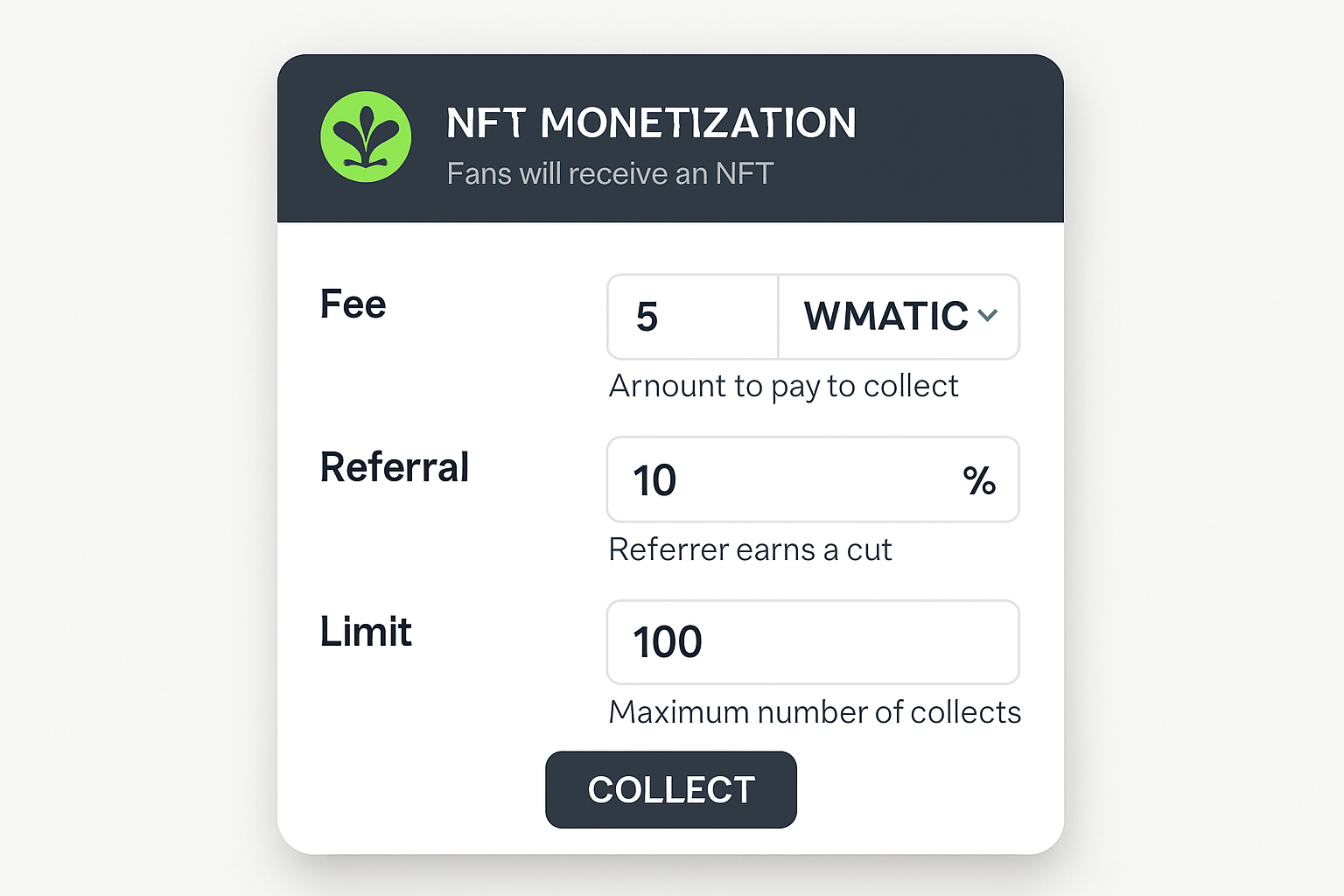
- On-Chain Content Monetization: Integrate Lens Protocol's collect modules so users can monetize posts directly, allowing followers to purchase or collect content as NFTs.
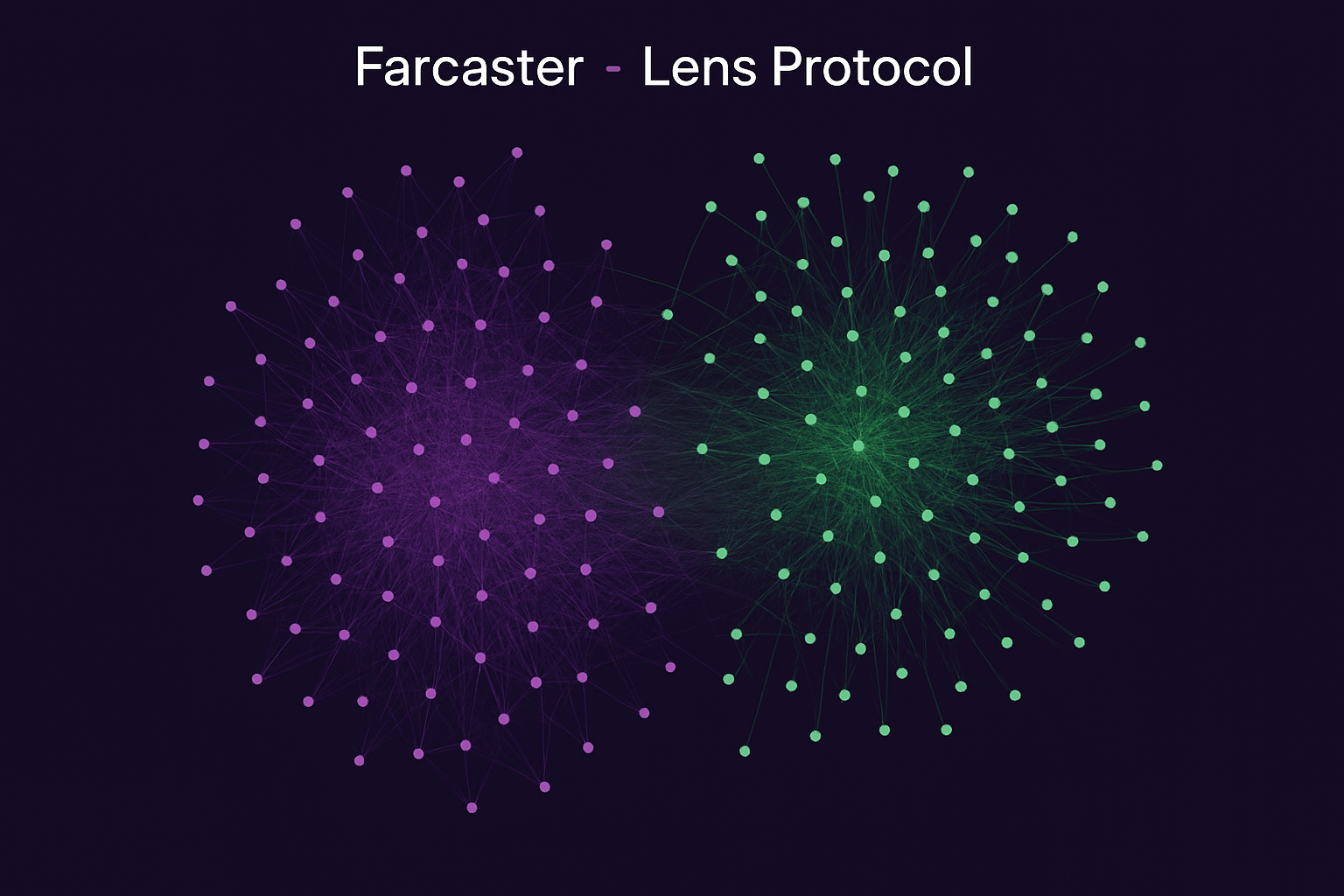
- Composable Social Graphs: Visualize and leverage the open social graphs from both protocols to build features like friend recommendations, mutual connections, and cross-platform follows.
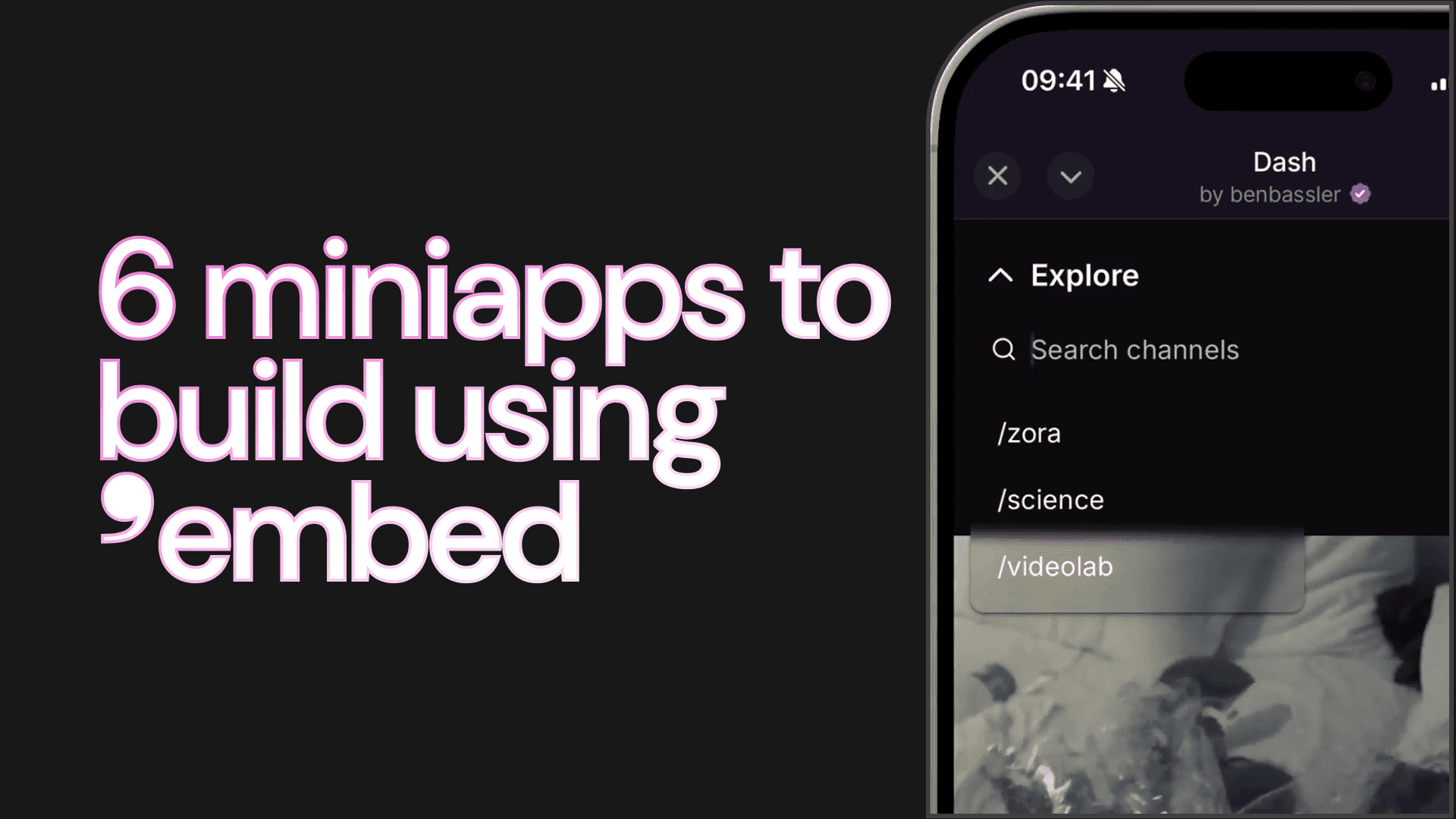
- Decentralized Social App Mini-Apps: Use Farcaster's mini-app framework to embed interactive dApps (polls, tipping, NFT drops) directly inside social feeds, enhancing user engagement.
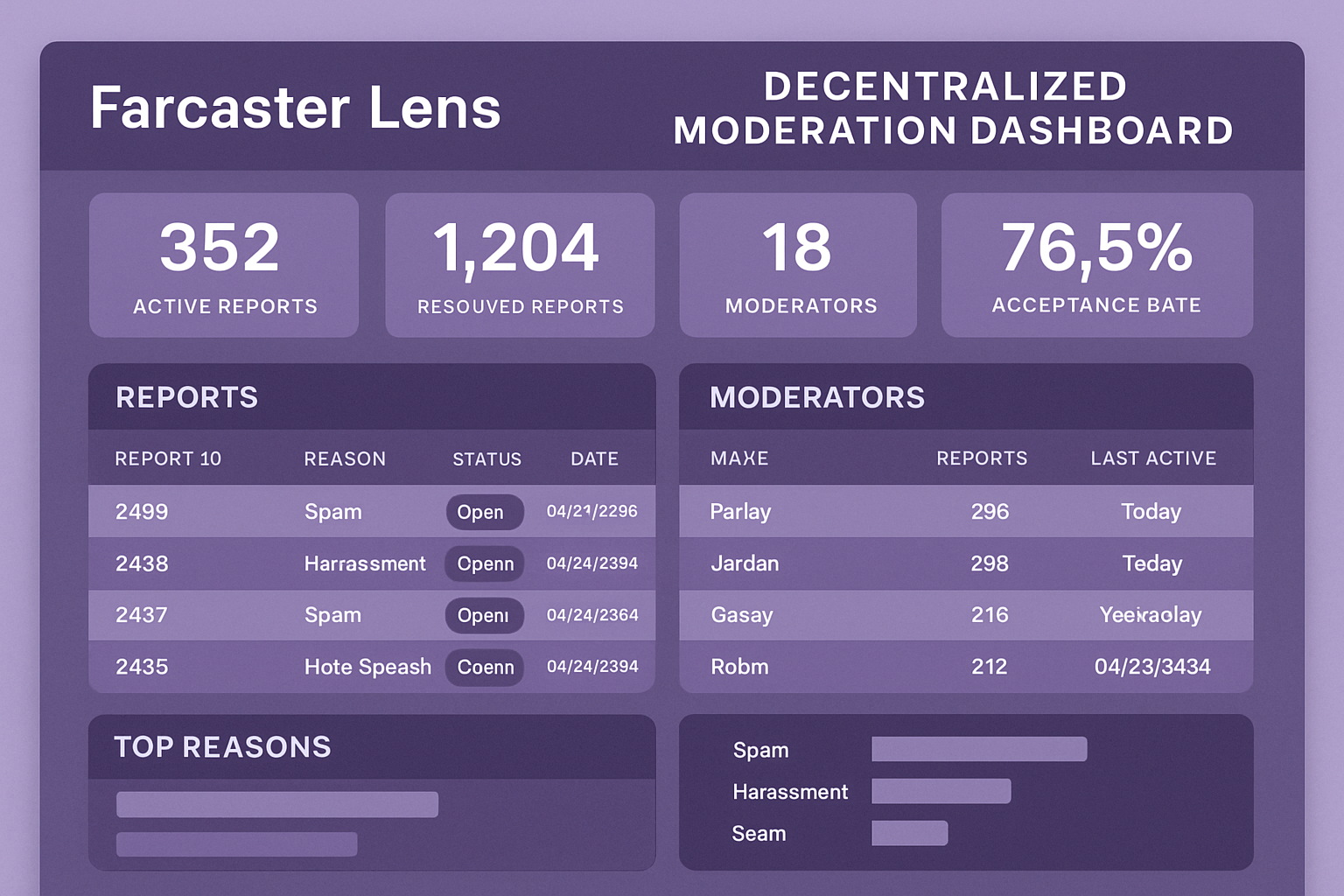
- Blockchain-Based Moderation Tools: Build transparent moderation dashboards that use on-chain data to flag spam, manage reports, and enforce community rules without centralized control.
- Multi-Chain Content Publishing: Allow users to create posts that are simultaneously published to both Farcaster and Lens Protocol, maximizing reach and interoperability.
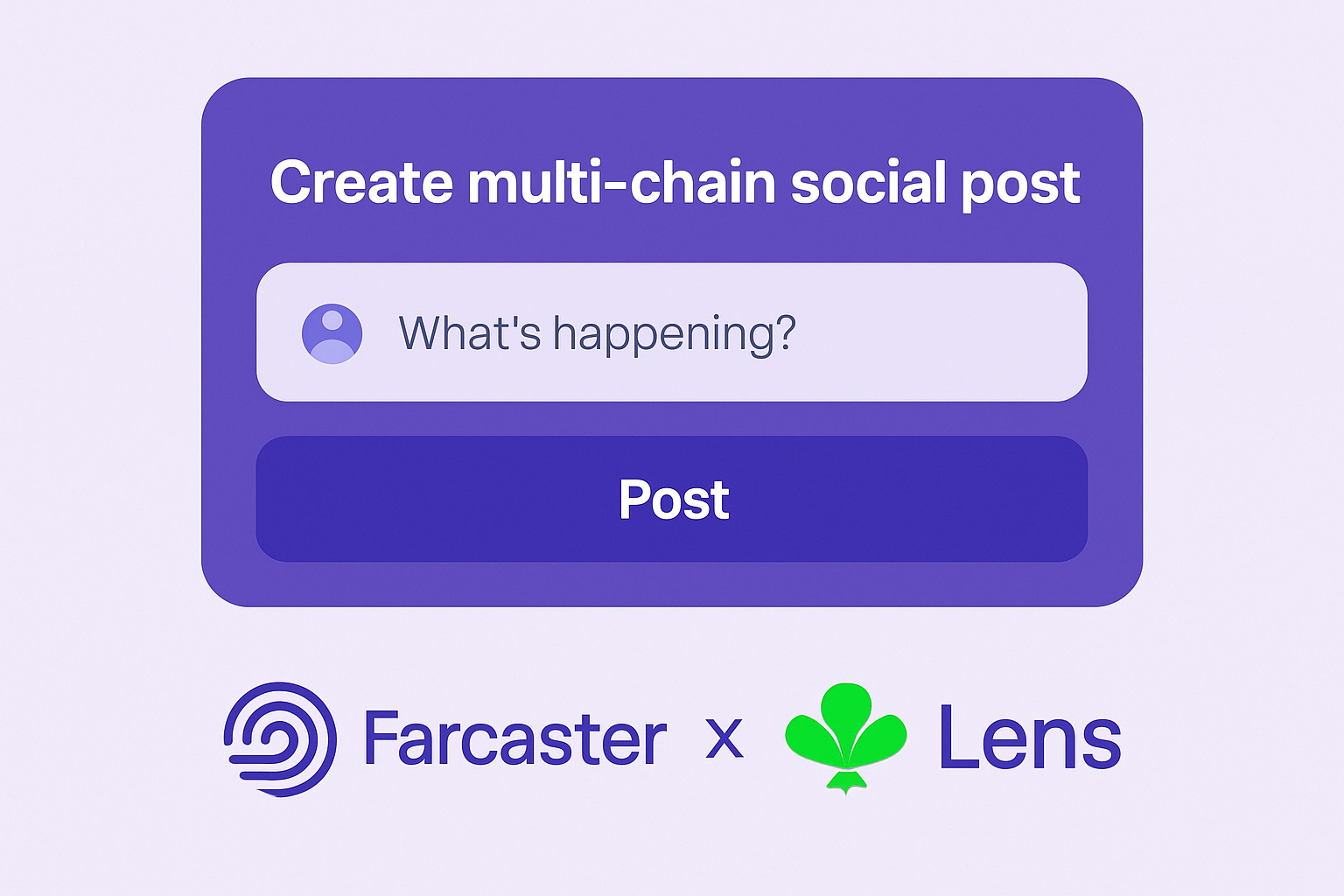
You might enable creators to monetize posts directly via NFT drops tied to Lens publications or let users tip each other $DEGEN tokens within Farcaster-powered chat rooms. The composability of these protocols means every new tool unlocks more creative potential for builders like you.
If you're hungry for more hands-on guidance, including code samples, UI tips, and advanced use cases, don’t miss our step-by-step guide at this resource. The future of online connection is open-source, and it’s yours to build.



No comments yet. Be the first to share your thoughts!