
Decentralized social networks are rapidly reshaping the landscape of online interaction, giving users control over their data and digital identities. If you’re ready to build a decentralized social app, Farcaster and Lens Protocol stand out as the most robust, developer-friendly options today. Both protocols offer unique architectures that prioritize user sovereignty, interoperability, and privacy, qualities sorely lacking in Web2 social platforms.
Understanding the Building Blocks: Farcaster vs. Lens Protocol
Farcaster is a decentralized social graph protocol built on Ethereum and Optimism. Its architecture features an on-chain identity layer for verifiable user accounts and an off-chain application layer for scalable data storage and messaging. This hybrid approach lets developers build apps that are both secure and responsive, while users retain control over their profiles.
Lens Protocol, also Ethereum-based, takes a different route: it treats user profiles as NFTs, creating a composable, user-owned social graph. With Lens, your profile, and all your content, travels with you across any dApp that supports the protocol. This portability is a game-changer for both privacy advocates and builders seeking to tap into an open ecosystem.
If you want to compare the strengths of each protocol in detail, check out this analysis from Onchain: Lens vs. Farcaster: Which Platform Leads the DeSoc Race?
Laying the Foundation: Planning Your Decentralized Social App
You’ll need to define your app’s core purpose before writing a single line of code. Are you building a microblogging platform? A community forum? A creator-centric content hub? This vision will drive your technical choices throughout development.
Essential Questions to Define Your Decentralized App Features
- What core social functionalities will your app provide? (e.g., content sharing, messaging, community building). Clearly defining these determines your protocol integration and user experience.
- Which protocol best aligns with your goals—Farcaster, Lens, or both? Assess whether your app benefits more from Farcaster’s on-chain identity and off-chain scalability, Lens’s NFT-based profiles and social graph, or a hybrid approach.
- How will users authenticate and manage their identities? Decide if you’ll leverage Lens’s NFT profiles, Farcaster’s on-chain identity layer, or another method for secure, user-owned authentication.
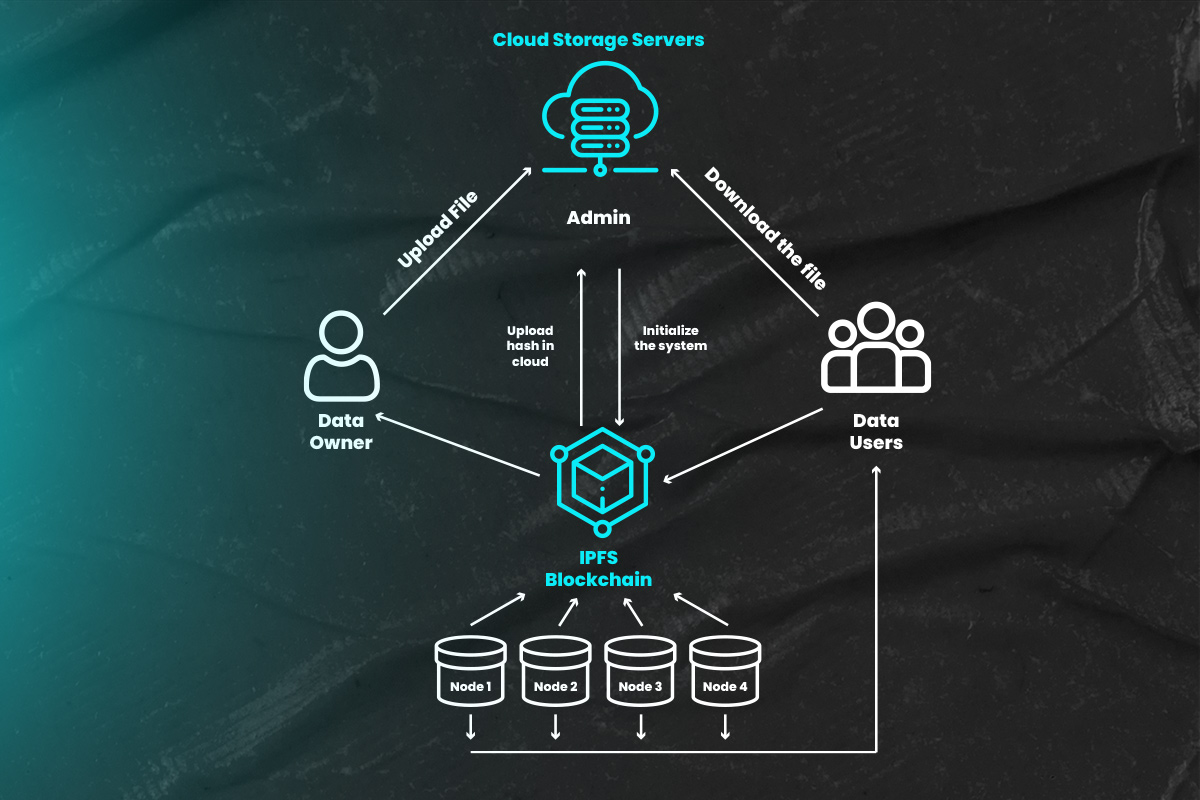
- What data storage model fits your needs? Evaluate whether your app will use on-chain, off-chain, or hybrid storage to balance decentralization, scalability, and user control.
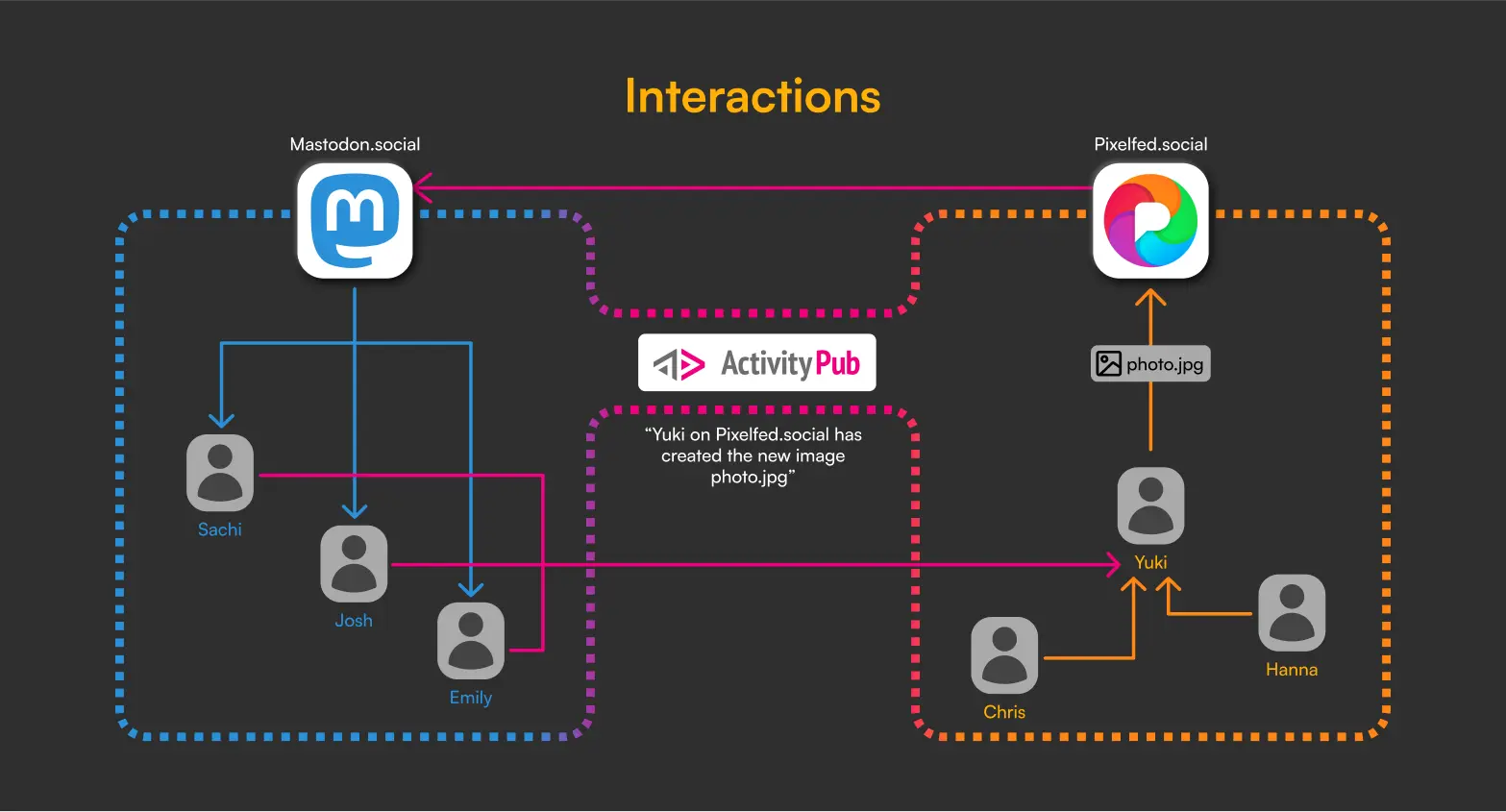
- How will your app ensure interoperability with other dApps? Plan for open standards and protocol compatibility to allow users to port their data and interact across platforms.
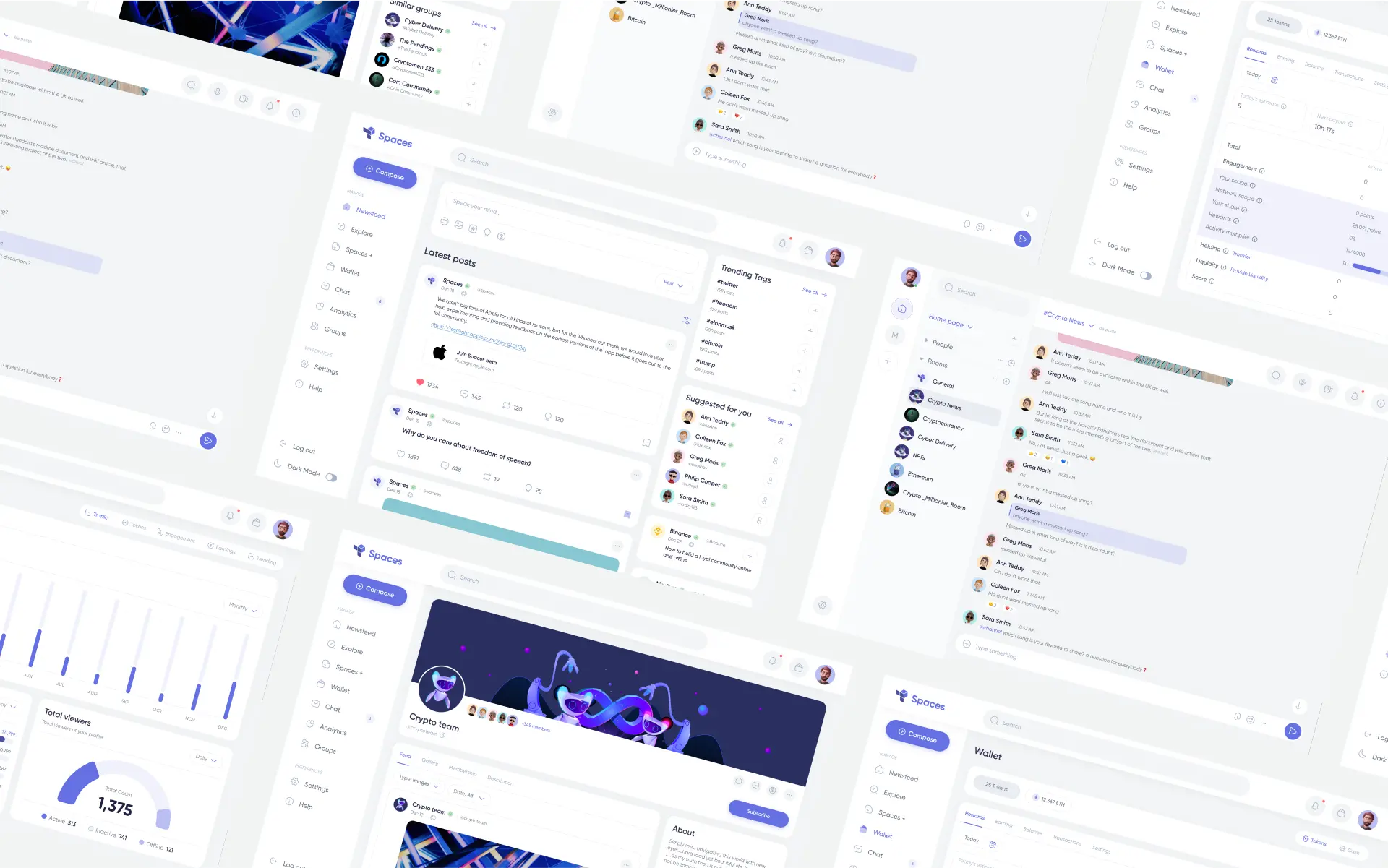
- What user experience (UX) considerations are critical for adoption? Prioritize intuitive interfaces, responsive design, and seamless onboarding to attract and retain users in the decentralized ecosystem.
The next step is choosing which protocol(s) best fit your needs:
- Farcaster integration guide: Ideal for apps needing flexible namespaces, granular permissioning, or scalable off-chain messaging.
- Lens Protocol developer tutorial: Best suited for projects prioritizing NFT-based profiles, seamless content portability between dApps, or advanced on-chain composability.
- Hybrid approach: Ambitious builders can integrate both protocols for maximum network effects, though this adds complexity.
The beauty of Web3 social media building is that these protocols are permissionless; anyone can build customized clients without asking for approval from centralized gatekeepers (source). That means more innovation at every layer, from user experience to privacy controls.
Your Developer Toolkit: Setting Up Environment and Tools
The current generation of frameworks has dramatically lowered the barrier to entry for decentralized social app development. For Farcaster, libraries like Neynar abstract away much of the complexity around identity management and message relaying. For Lens Protocol, libraries such as Lens. js make it easy to interact with NFT-based profiles and publications using familiar JavaScript paradigms (source).
- Neynar (Farcaster): Rapid prototyping for identity/auth flows and message posting.
- Lens. js (Lens): Simplifies NFT profile creation and content publication workflows.
- Ethers. js/Wagmi/RainbowKit: Essential tools for wallet integrations across both protocols.
This modular stack means you don’t have to start from scratch, focus on unique features instead of reinventing protocol basics!
Once you’ve assembled your toolkit, it’s time to architect the user experience. Identity and authentication are at the heart of any decentralized social platform. With Farcaster, user accounts are anchored on-chain but interact with an off-chain data layer for scalable performance. Lens Protocol lets users mint their social identity as an NFT, which not only secures ownership but also enables frictionless migration between dApps.
From Prototype to Production: Building and Testing Your App
Start by implementing robust onboarding. For Lens, guide users through wallet connection and minting their profile NFT. With Farcaster, leverage libraries like Neynar for seamless account creation and message posting flows. Prioritize privacy: always let users control what’s public versus private, and avoid unnecessary data retention.
For content feeds or messaging features, tap into the protocol’s APIs to fetch posts, comments, or interactions in real-time. Both protocols support composability, meaning you can integrate features like tipping, badges, or token-gated communities without reinventing the wheel.
Best Practices for Testing Decentralized Social Apps
- Leverage Protocol Testnets: Use official testnets for Farcaster (Optimism Goerli) and Lens Protocol (Polygon Mumbai) to safely simulate user interactions and transactions without spending real assets.
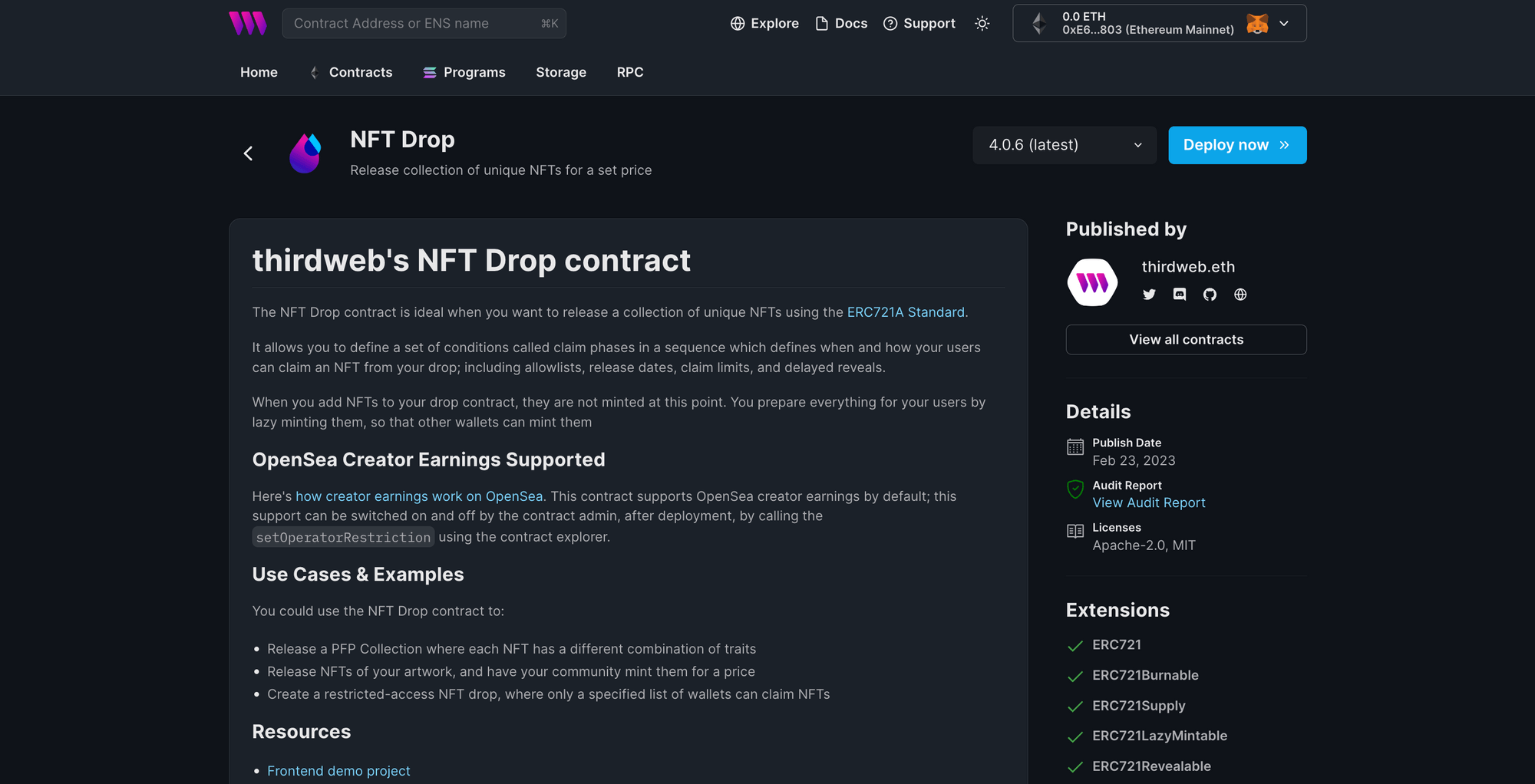
- Utilize Protocol-Specific SDKs and Tools: Integrate SDKs like Neynar for Farcaster and Lens.js for Lens Protocol to streamline testing of authentication, profile management, and social graph features.
- Test Interoperability with Other dApps: Ensure your app can interact seamlessly with other decentralized applications by testing cross-app profile and content sharing using the open social graphs of Farcaster and Lens.
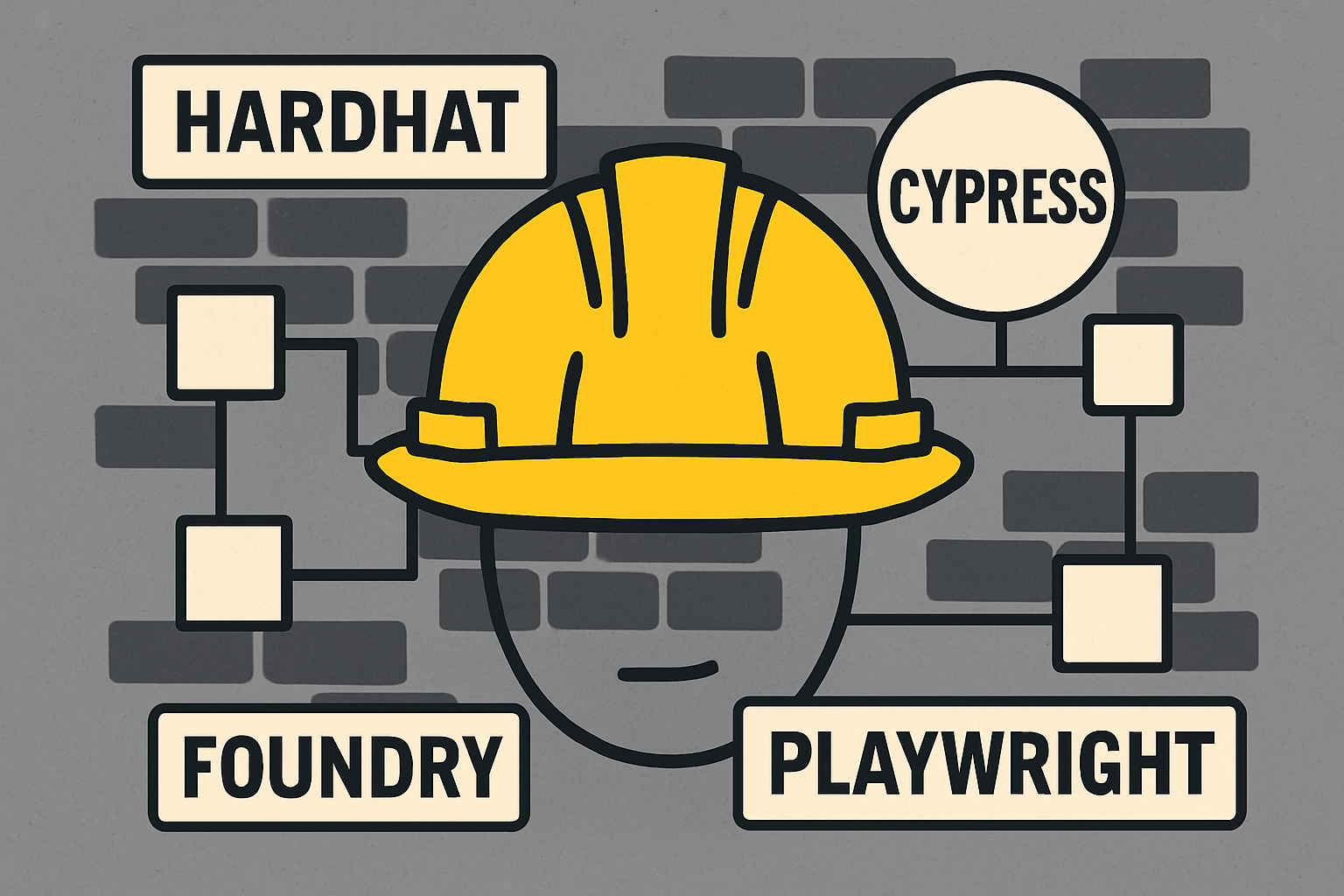
- Automate End-to-End Testing: Implement automated testing frameworks such as Hardhat or Foundry for smart contract logic, and Cypress or Playwright for UI flows, to catch bugs early and ensure consistent behavior.
- Validate Data Sovereignty and Security: Regularly audit how user data is stored, accessed, and shared, ensuring compliance with decentralized principles and leveraging tools like OpenZeppelin Defender for security monitoring.
- Simulate Real-World Network Conditions: Test your app under various network speeds and latency scenarios to ensure robust performance, especially considering off-chain data layers used by Farcaster.
- Engage with Community Feedback Loops: Involve real users and developers from Farcaster and Lens Protocol communities in beta testing to uncover edge cases and usability issues.
Testing is more than just bug-hunting in Web3. Simulate different network conditions, validate on-chain/off-chain syncs, and ensure wallet-based authentication works across mobile and desktop environments. Don’t forget security audits, smart contract vulnerabilities can be catastrophic in a decentralized context.
Scaling Up: Launch Strategies and Community Growth
After deployment to mainnet or testnet (depending on your risk appetite), focus shifts to user acquisition and feedback loops. Leverage Farcaster and Lens Protocol’s open graphs, users who’ve minted profiles elsewhere can onboard with one click. Integrate social sharing tools that respect on-chain privacy yet amplify reach across Web3-native audiences.
Monitor analytics for usage patterns: which features drive engagement? Where do drop-offs occur? Iterate quickly, thanks to modularity in both protocols, you can ship improvements without disrupting core user identities or content graphs.
Key Considerations for Decentralized Social App Development
- User Experience: Prioritize intuitive navigation and minimal friction during onboarding.
- Privacy: Give users granular control over what they share or keep private; don’t expose wallet addresses unnecessarily.
- Interoperability: Build with composability in mind so your app can plug into new DeSoc tools as they emerge.
- Scalability: Use off-chain storage where possible for fast loads while anchoring critical actions (like profile creation) on-chain.
Next Steps: Resources and Community Support
The decentralized social ecosystem is moving fast, with new frameworks, best practices, and community standards emerging almost weekly. Stay engaged with protocol Discords, contribute to open-source repos, and don’t hesitate to launch MVPs early for feedback from real users.
If you’re looking for deeper technical dives or want to see how others are pushing boundaries using these protocols, explore resources like Onchain’s comparative analysis (Lens vs. Farcaster: Which Platform Leads the DeSoc Race?) or developer showcases on GitHub and Medium.
The shift toward privacy-first, user-owned networks is accelerating, and builders who master these new primitives will shape the next decade of online community. Patterns repeat in tech cycles; discipline (and curiosity) wins every time.




No comments yet. Be the first to share your thoughts!