
Decentralized social networks are rapidly transforming how we connect online, offering a new paradigm where users truly own their identities, content, and connections. If you’re eager to build your own decentralized social app, integrating both Farcaster and Lens Protocol can give you the best of both worlds: flexible off-chain scalability and robust on-chain composability. In this tutorial, we’ll break down the essential steps to get started, demystifying the technical concepts so you can confidently launch your own Web3 social platform.
Understanding Farcaster and Lens Protocol: Key Differences
Farcaster and Lens Protocol are both leading frameworks for building decentralized social apps, but they differ in architecture and user experience. Farcaster anchors user identities (FIDs) on Ethereum for verifiable ownership, while storing most content off-chain in decentralized hubs. This hybrid approach ensures users retain control over their data without sacrificing speed or scalability. Lens Protocol, meanwhile, is fully on-chain: profiles are NFTs on Polygon and every post or interaction is recorded directly to the blockchain, maximizing transparency and interoperability.
Farcaster vs Lens Protocol: Core Feature Comparison
- Architecture: Farcaster uses a hybrid model—user identities are anchored on Ethereum (on-chain), but content is stored off-chain in decentralized hubs. Lens Protocol is fully on-chain, with all user profiles and social interactions recorded as NFTs and smart contract data.
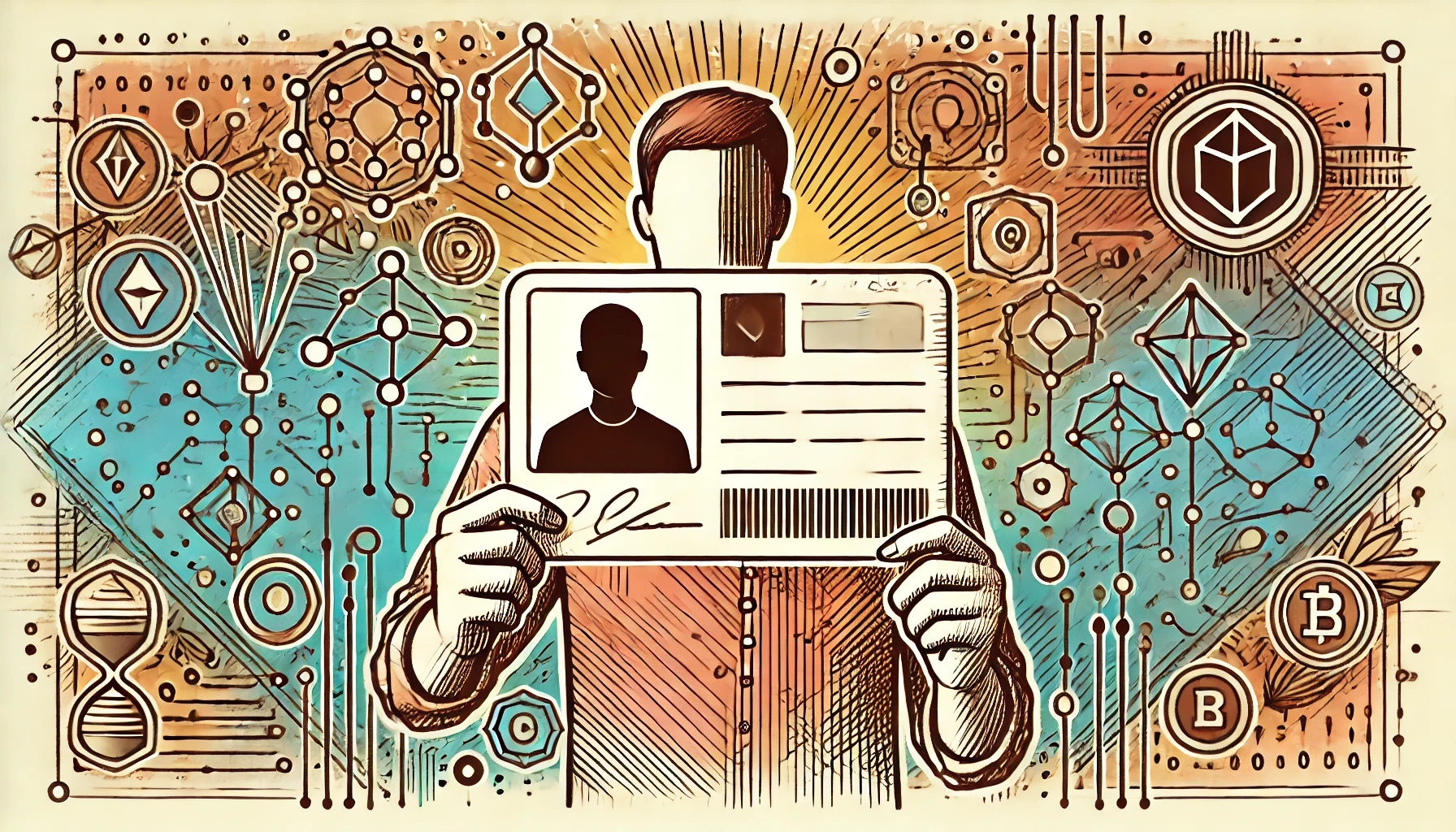
- User Identity: Farcaster assigns each user a Farcaster ID (FID) registered on Ethereum, serving as a universal identifier across apps. Lens Protocol provides Profile NFTs on Polygon, where each profile is a unique NFT representing the user.
- Data Storage: Farcaster stores content off-chain in independently operated hubs for scalability and speed. Lens Protocol stores all posts, comments, and interactions on-chain for maximum transparency and composability.
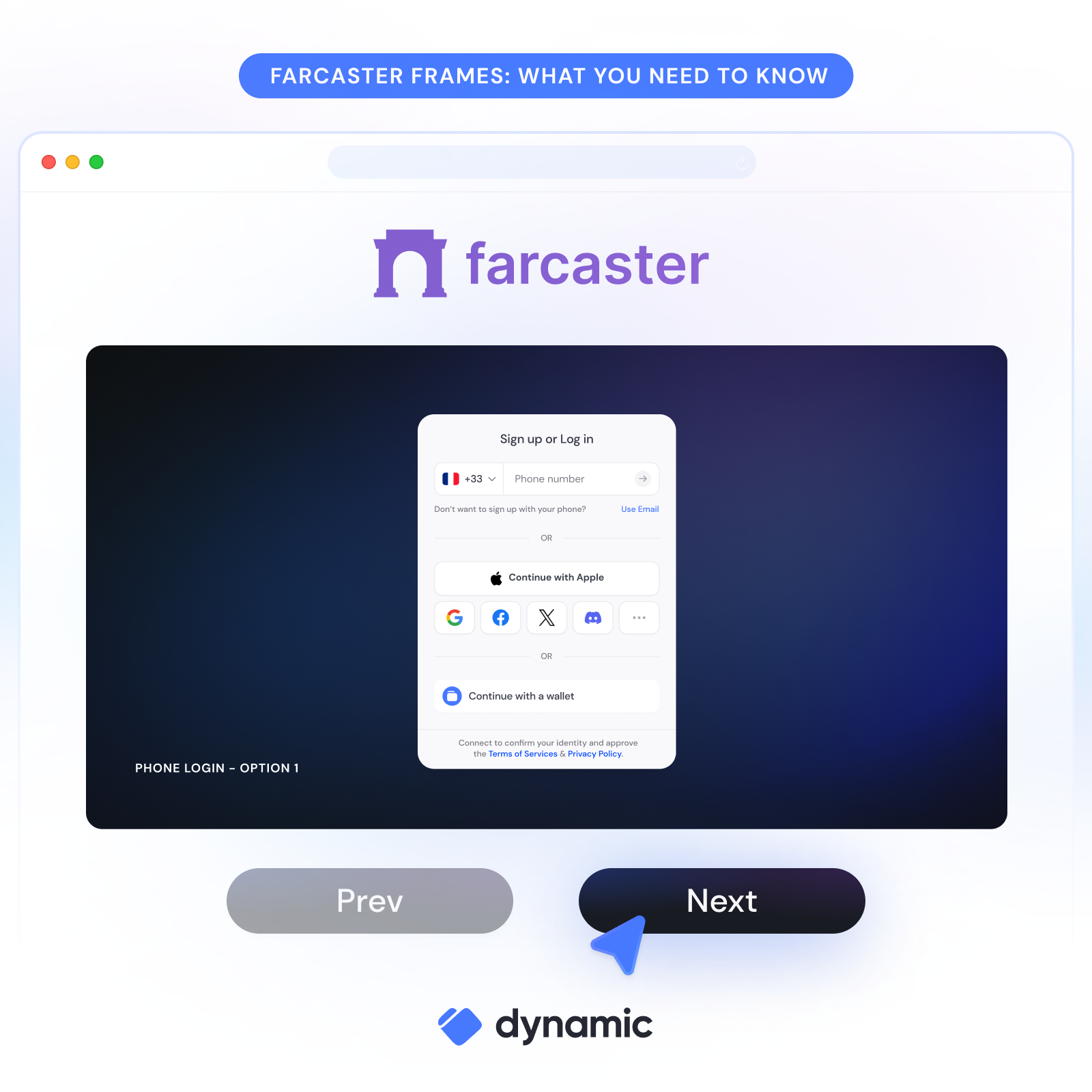
- Interactivity: Farcaster features Frames, allowing users to perform on-chain or off-chain actions (like minting NFTs or voting in polls) directly from their feed. Lens Protocol offers Open Actions, embedding web3 dApps and enabling users to interact with DAOs or DeFi protocols within the social feed.
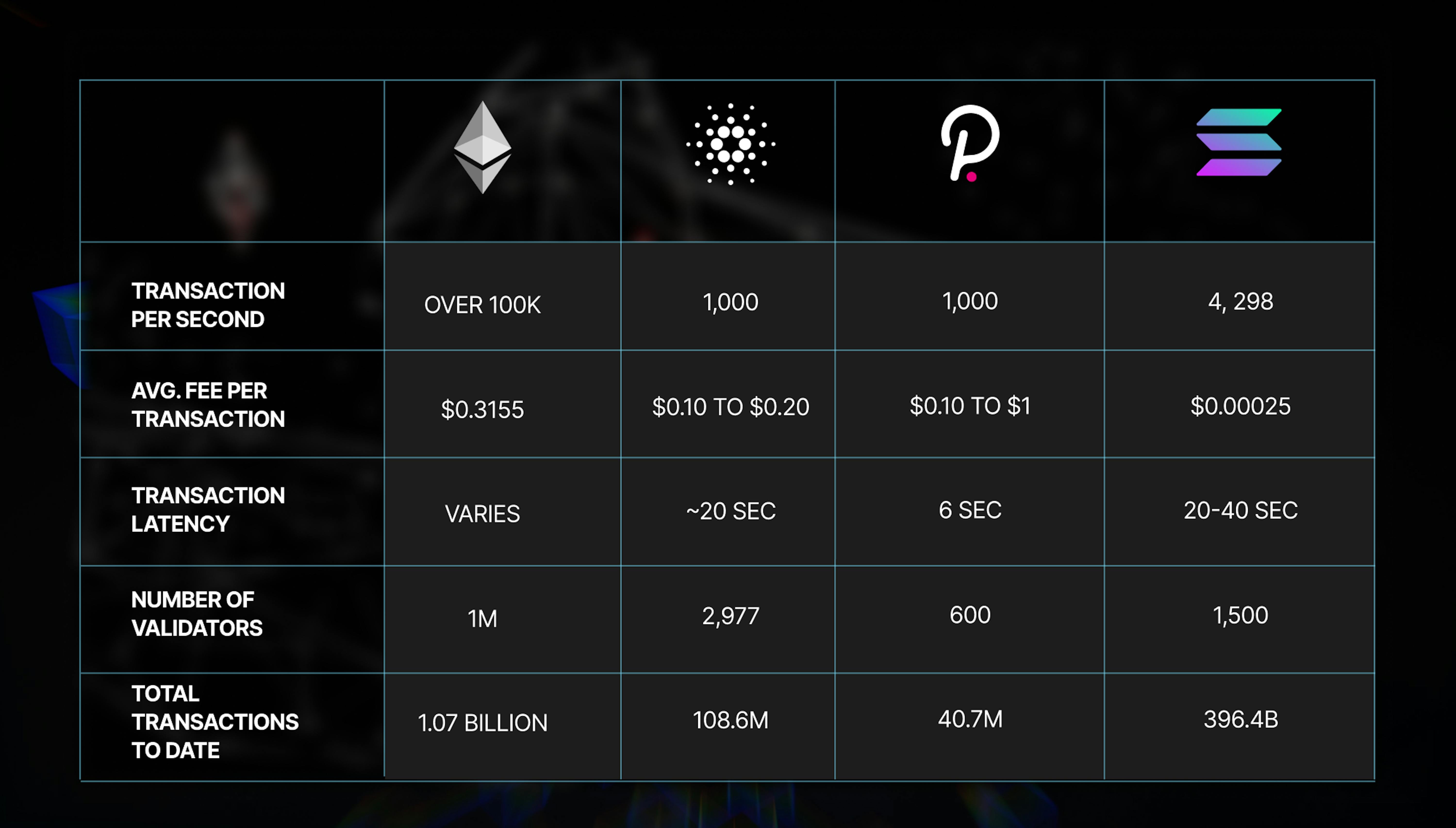
- Network & Cost: Farcaster anchors identities on Ethereum but leverages off-chain storage for low costs and high throughput. Lens Protocol operates on Polygon, providing faster and cheaper transactions compared to Ethereum mainnet.
- Data Portability & Interoperability: Farcaster enables users to move their identity and content across Farcaster-compatible apps via FIDs. Lens Protocol allows seamless migration and use of social graphs and content across dApps using the Lens Protocol.
If you’re deciding which protocol to start with, or want to integrate both, understanding these differences is critical for shaping your app’s UX and technical stack. For a deep-dive into their architectures, check out this overview from Gate. com: Farcaster and amp; Lens Infrastructure Guide.
Setting Up Your Development Environment
Your journey begins by establishing solid foundations for both protocols:
- Farcaster: Register a unique Farcaster ID (FID) via Ethereum, this will be your anchor across all compatible apps. Next, deploy or connect to a hub to store user-generated content and synchronize data peer-to-peer.
- Lens Protocol: Deploy smart contracts that handle profiles (NFTs), posts, comments, and follows, all on Polygon for low-cost transactions. You’ll need wallet integration for users to mint their profile NFTs.
This dual setup lets you leverage Farcaster’s rapid off-chain updates alongside the immutable history and composability of Lens’ blockchain records.
User Authentication and Identity Management in Web3 Social Apps
User onboarding is where decentralized social shines, and where it can get tricky! Here’s how authentication works in each protocol:
- Farcaster: Users sign in with an Ethereum wallet linked to their FID. This wallet-based login means no passwords or email addresses, just cryptographic proof of ownership.
- Lens Protocol: Authentication happens via Profile NFTs; users prove identity by holding the NFT in their wallet. This NFT-centric approach makes it easy for users to port profiles across dApps within the Lens ecosystem.
The result? Your app can offer seamless single sign-on experiences while ensuring that users, not platforms, control access to their data.
The Power of Interactivity: Frames and Open Actions
A standout feature of modern Web3 social platforms is interactivity directly inside the feed:
- Farcaster Frames: Embed interactive widgets within posts so users can mint NFTs, vote in polls, or interact with other dApps, all without leaving your app.
- Lens Open Actions: Integrate external web3 apps directly into Lens feeds so users can join DAOs or execute trades instantly.
This level of integration sets decentralized social apps apart from traditional platforms, and opens up endless possibilities for creative engagement strategies.
Once you’ve set up the foundations of your decentralized social app, it’s time to focus on what truly matters: interoperability, data portability, and a user experience that rivals (or surpasses) Web2 platforms. The magic of combining Farcaster and Lens Protocol is that you can empower users to own their digital identities and move freely between networks, without being locked into any single ecosystem.
Building for Interoperability and Data Portability
The future of social networking is composable. By designing your app to interact with both Farcaster and Lens, you enable users to maintain a unified identity across protocols. For example, a user could post content via Farcaster’s hubs for real-time engagement, while simultaneously recording key moments on-chain with Lens for permanence and provenance. This dual approach means users can access their profiles, connections, and content from any compatible app, true data sovereignty in action.
Steps to Ensure Farcaster & Lens Protocol Interoperability
- Standardize User Identity Across Protocols: Use Ethereum wallet addresses as the universal identifier, linking Farcaster IDs (FIDs) and Lens Profile NFTs to the same address. This enables users to maintain a single identity across both platforms.
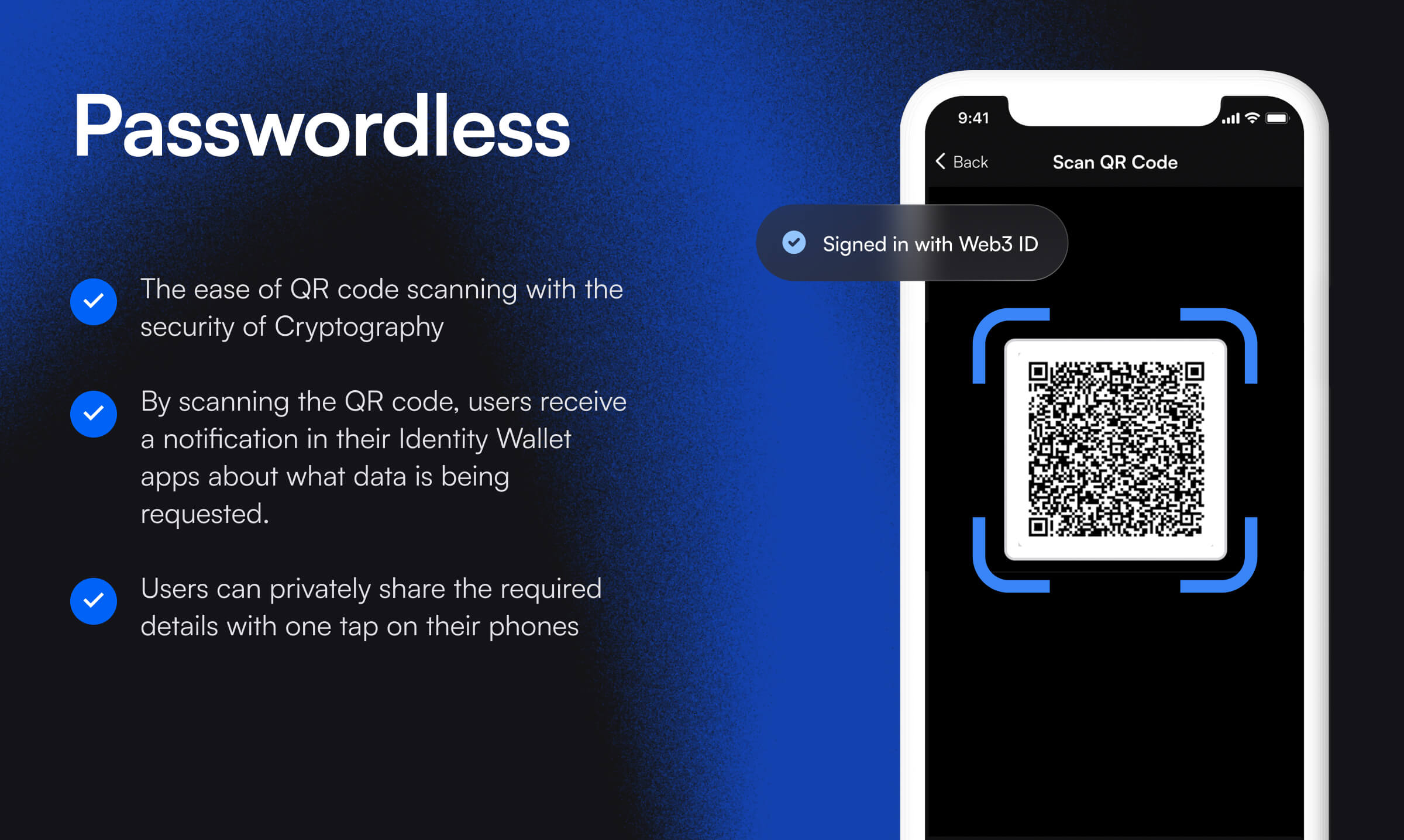
- Implement Cross-Protocol Authentication: Integrate wallet-based authentication (e.g., MetaMask, WalletConnect) so users can seamlessly log in to both Farcaster and Lens features within your app.
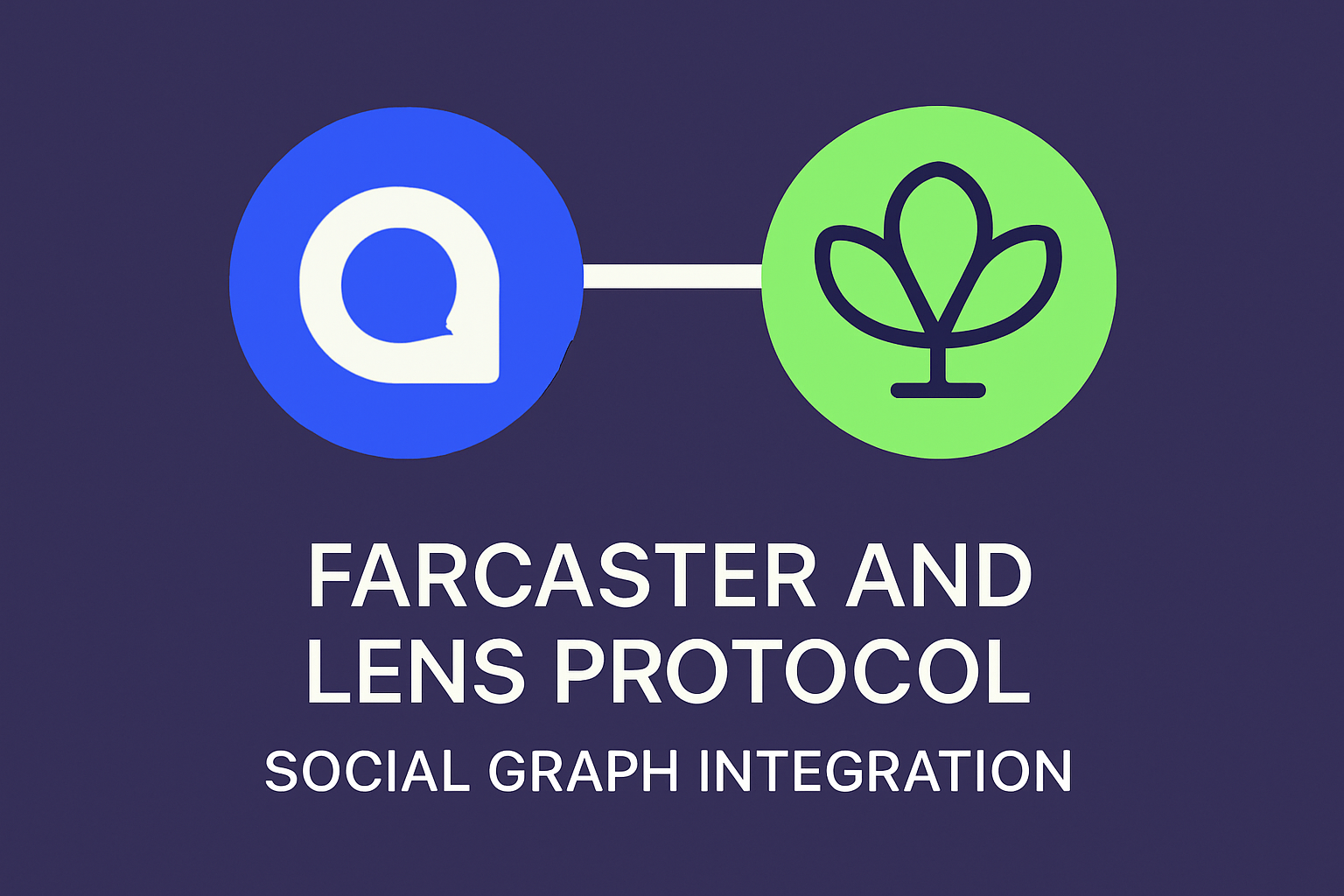
- Synchronize Social Graphs and Profiles: Build logic to fetch and merge user profiles, followers, and connections from both Farcaster hubs and the Lens Protocol smart contracts, presenting a unified social graph.
- Enable Content Bridging Between Platforms: Develop features that allow users to share posts (casts and publications) across Farcaster and Lens, ensuring content is accessible and consistent regardless of origin.
- Support Data Portability and Export: Provide tools for users to export their profile data, content, and connections in standard formats (e.g., JSON), facilitating migration or integration with other decentralized social apps.
- Leverage Open Standards and APIs: Utilize existing Farcaster APIs and Lens Protocol GraphQL endpoints for reliable data exchange, and monitor updates to ensure ongoing compatibility.
- Test for Consistent User Experience: Regularly test your app to ensure actions (posting, following, interacting) work smoothly across both protocols, and abstract blockchain complexities for a user-friendly interface.
To dive deeper into how these protocols handle cross-app identity and content migration, explore the technical documentation at Gate.com’s Farcaster and Lens Infrastructure Guide.
Scaling Your Decentralized Social App
Scalability is often the Achilles’ heel of blockchain-based applications. Fortunately, both Farcaster and Lens have made meaningful strides here:
- Farcaster: Its off-chain hubs allow for high-speed content propagation and low-latency interactions, ideal for feeds, chats, or notifications.
- Lens Protocol: By leveraging Polygon’s network, Lens enables cost-effective on-chain actions with minimal transaction fees compared to Ethereum mainnet.
This architecture lets you build apps that feel as fast as traditional social networks but with all the benefits of decentralization. Remember: abstracting away the blockchain complexity is essential for mainstream adoption. Prioritize clean UI flows so users don’t need to understand wallets or gas fees just to post or connect.
Enhancing User Experience: Tips and Best Practices
- Simplify onboarding: Offer wallet connection guides or one-click profile creation using social recovery tools.
- Real-time feedback: Use off-chain caching (via Farcaster hubs) for instant updates while confirming actions on-chain with Lens.
- Cross-platform notifications: Let users see activity from both protocols in a unified notification center.
- User education: Provide tooltips or quick-start guides explaining decentralized identity concepts in plain language.
The best decentralized apps are invisible, the technology works so well that users barely notice it’s there.
Security Considerations
Your app should prioritize security at every layer. Use audited smart contracts when interacting with Lens Protocol; always verify wallet signatures before performing sensitive actions; and ensure your Farcaster hub infrastructure is resistant to censorship or downtime by running multiple redundant nodes if possible. Encourage users to use hardware wallets or secure browser extensions for authentication wherever possible.
Getting Involved: Community and Resources
The decentralized social ecosystem thrives on collaboration. Join developer communities on GitHub or Discord dedicated to both protocols. Contribute code, report bugs, or share your project progress, the open-source ethos means everyone benefits when new features are shared across the ecosystem. To see what others are building (and get inspired), check out open-source projects listed at GitHub repositories spotlighted by both Farcaster and Lens communities.
Which protocol do you prefer for building decentralized social apps?
Both Farcaster and Lens Protocol offer unique approaches to decentralized social networking. Farcaster uses a hybrid on/off-chain model with flexible data storage, while Lens Protocol is fully on-chain with NFT-based profiles. As a developer, which protocol would you choose to build on?
If you’re looking for more hands-on guidance or want to stay updated on protocol upgrades, bookmark our homepage at FarcasterNews. com, we’ll keep you posted on major releases, developer grants, hackathons, and more ways to get involved!




No comments yet. Be the first to share your thoughts!