

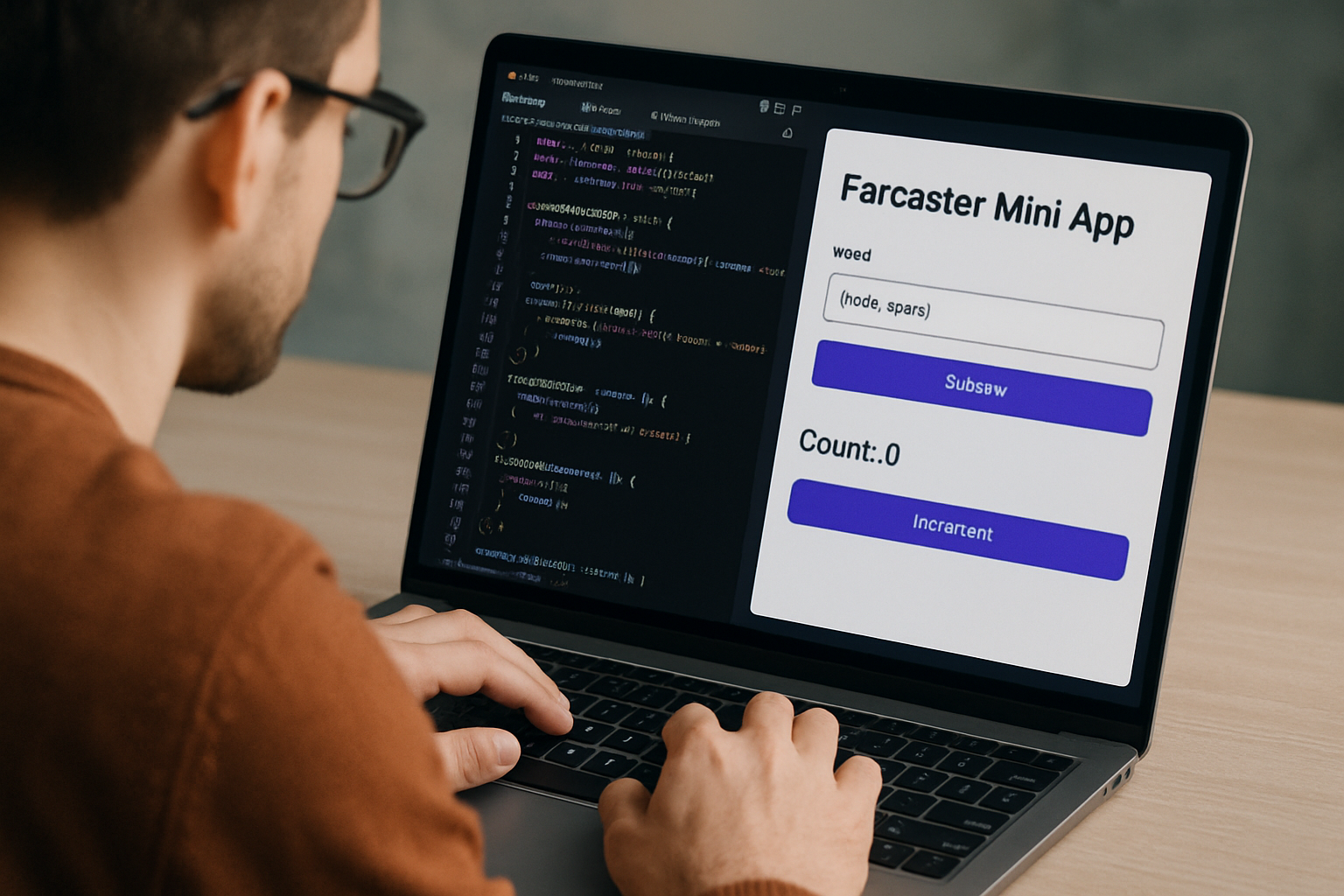
Farcaster Mini Apps are rapidly becoming a focal point for developers seeking to build natively integrated experiences inside decentralized social platforms. These lightweight web applications run directly within Farcaster clients, offering users seamless interaction without the friction of external browsers or downloads. For builders, this is an opportunity to tap into a growing, highly engaged social graph while leveraging the composability and openness of Web3. In this guide, we’ll walk through the essentials of creating and launching your own Farcaster Mini App, focusing on best practices and up-to-date technical steps.
Why Build a Farcaster Mini App?
Decentralized social networks like Farcaster are reshaping how communities form and interact online. By building a Mini App, you can deliver high-retention experiences directly to users where they already spend their time. Unlike traditional web apps or standalone dApps, Mini Apps benefit from deep integration with the Farcaster protocol - including native authentication, viral distribution via casts and frames, and instant exposure to the platform’s growing user base.
The modularity of these apps also means you can experiment quickly: launch MVPs in days, iterate based on real feedback, and scale features as adoption grows. Whether you’re building social games, analytics dashboards, NFT utilities, or community tools, the Farcaster ecosystem is designed for rapid experimentation.
Step 1: Setting Up Your Development Environment
Before diving into code, ensure you have a Farcaster account ready for testing and manifest signing. Optionally, set up a Coinbase Developer Platform account if you need a Client API key for enhanced integrations.
- Initialize your project: Use the starter CLI to scaffold your app structure:
npx create-onchain --mini - Install dependencies:
cd your-project-name
npm install - Run your development server:
npm run dev
This workflow gives you a boilerplate that’s optimized for Mini Apps - including routing, state management, and manifest handling - so you can focus on core functionality instead of setup headaches. For more details on quickstarts and structure, refer to the official Base Documentation on Mini Apps.
Step 2: Configuring Your Farcaster Manifest
The manifest is the heart of your Mini App’s identity inside Farcaster. It tells clients how to display your app (name, icon, splash screen), what categories it belongs to (for discovery), and how it should be described in feeds or frames.
- Create farcaster. json:
In your project’spublic/. well-knowndirectory:{ "frame": { "version": "1", "name": "Your App Name", "iconUrl": "/image/legacy/wp/29/assets/6b634ad38236957c-icon.png", "homeUrl": "https://your-domain.com", "splashImageUrl": "/image/legacy/wp/29/assets/23e34915075dc47d-splash.png", "splashBackgroundColor": "#FFFFFF", "subtitle": "Your App Subtitle", "description": "A brief description of your app", "primaryCategory": "category", "tags":The Power of Native Distribution via Frames
A unique aspect of Farcaster is its support for Frames, interactive embeds that let users engage directly with mini apps inside casts (posts). This means higher engagement rates compared to traditional links or widgets seen in Web2 social platforms. If you want your app to be discoverable and shareable across feeds instantly, not buried behind clicks, optimizing for Frames is essential.
This foundation sets you up for successful deployment and viral distribution within decentralized social networks. In the next section we’ll cover hosting options like Vercel, final testing steps using official tools, and tips for publishing to maximize reach within the growing Farcaster ecosystem.
Step 3: Deploying and Testing Your Farcaster Mini App
With your manifest signed and app configured, it’s time to bring your Mini App to life for the Farcaster community. Choosing a robust hosting provider is crucial for a seamless user experience. Vercel is the go-to choice for many developers due to its tight integration with modern web frameworks and automatic deployments from GitHub repositories.
Top Hosting Platforms for Farcaster Mini Apps
- Vercel: Best for seamless Next.js deployments and rapid iteration. Pros: Effortless integration with GitHub, automatic builds, instant rollbacks, and global CDN for fast performance. Cons: Free tier has limited serverless function execution time and may require upgrades for high-traffic apps.
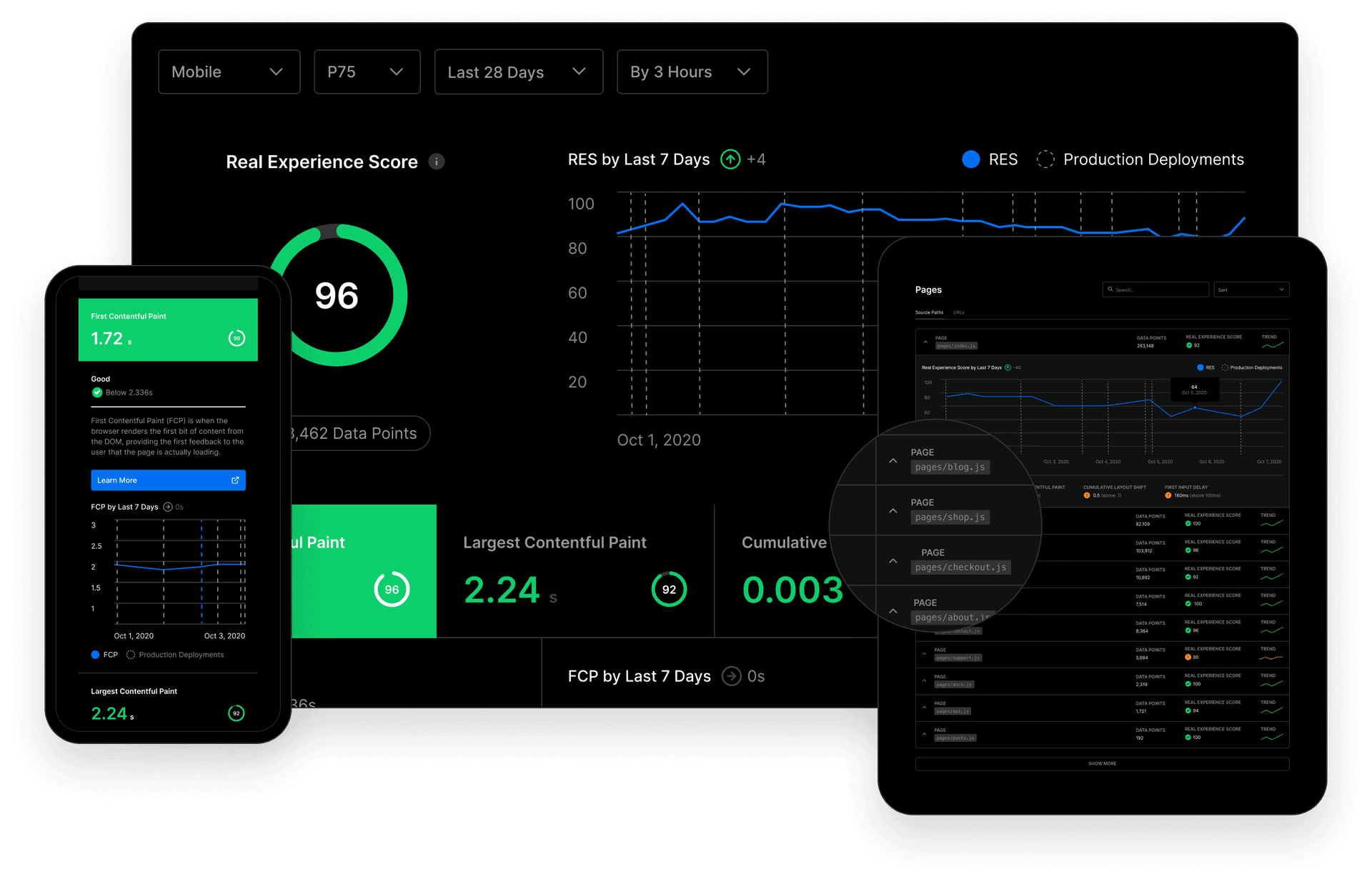
- Netlify: Flexible platform with strong support for static and serverless apps. Pros: Easy continuous deployment, built-in serverless functions, and generous free tier. Cons: Some advanced features (like higher concurrency or analytics) require paid plans; build minutes are limited on the free tier.
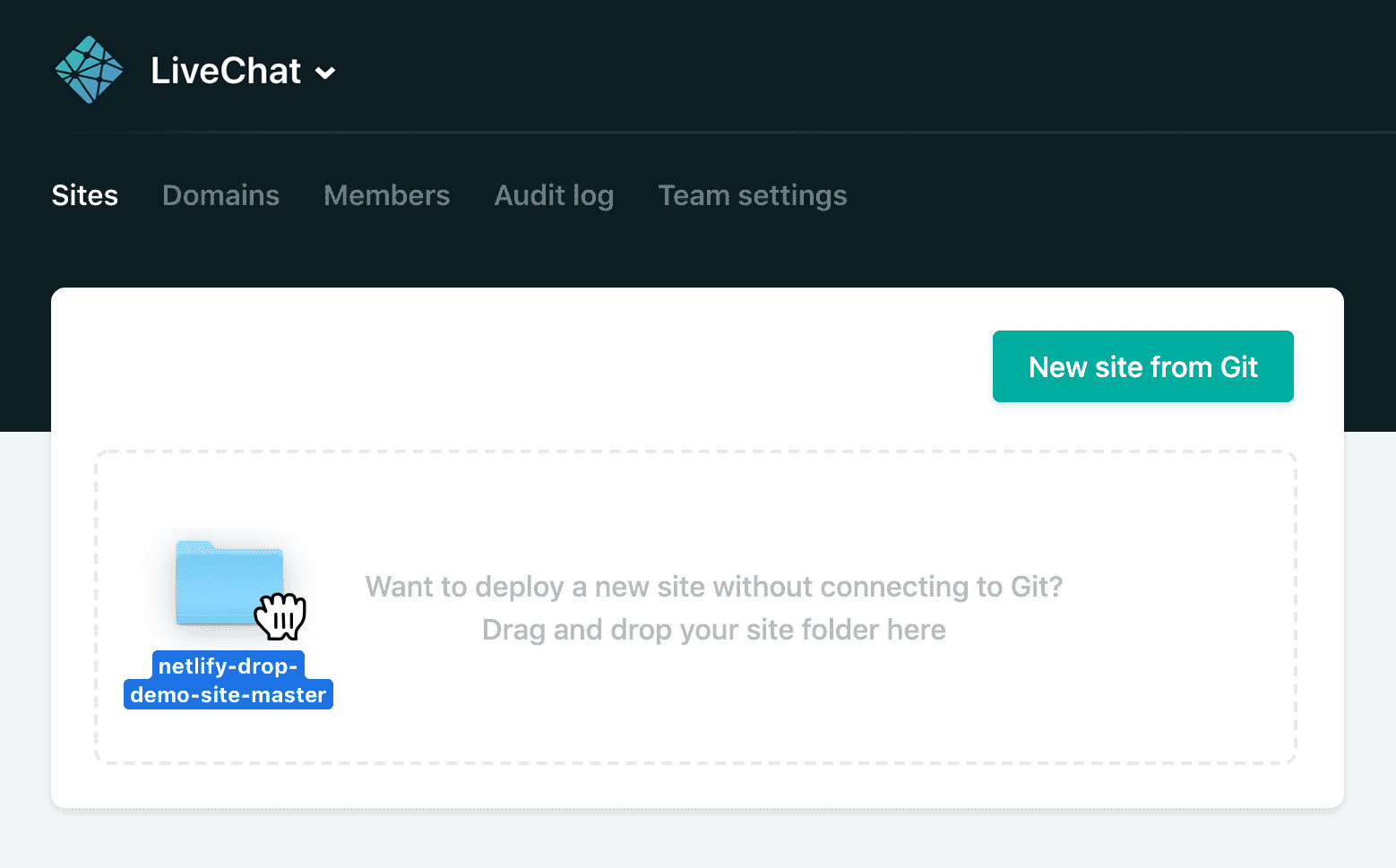
- Cloudflare Pages: Developer-friendly hosting with edge performance and security. Pros: Free global CDN, direct Git integration, and seamless support for JAMstack sites; tight integration with Cloudflare Workers for dynamic functionality. Cons: Serverless function execution time and resources can be limited compared to dedicated backend hosting; some advanced configurations may require Cloudflare ecosystem familiarity.
Once you’ve pushed your code to GitHub and connected your repository to Vercel (or another host), set any necessary environment variables such as NEXT_PUBLIC_URL to ensure your app’s URLs are correct in production. After deployment, verify that your
farcaster. jsonmanifest is accessible athttps://your-domain.com/.well-known/farcaster.json, as this enables Farcaster clients to discover and render your app natively.Testing: The Final Checkpoint Before Launch
Before announcing your app to the world, use the official Farcaster Embed Tool to preview how it appears within casts and feeds. Test on both desktop and mobile clients, look for layout bugs, authentication issues, or loading delays that could impact user retention.
How to Test Your Farcaster Mini App with the Official Embed Tool
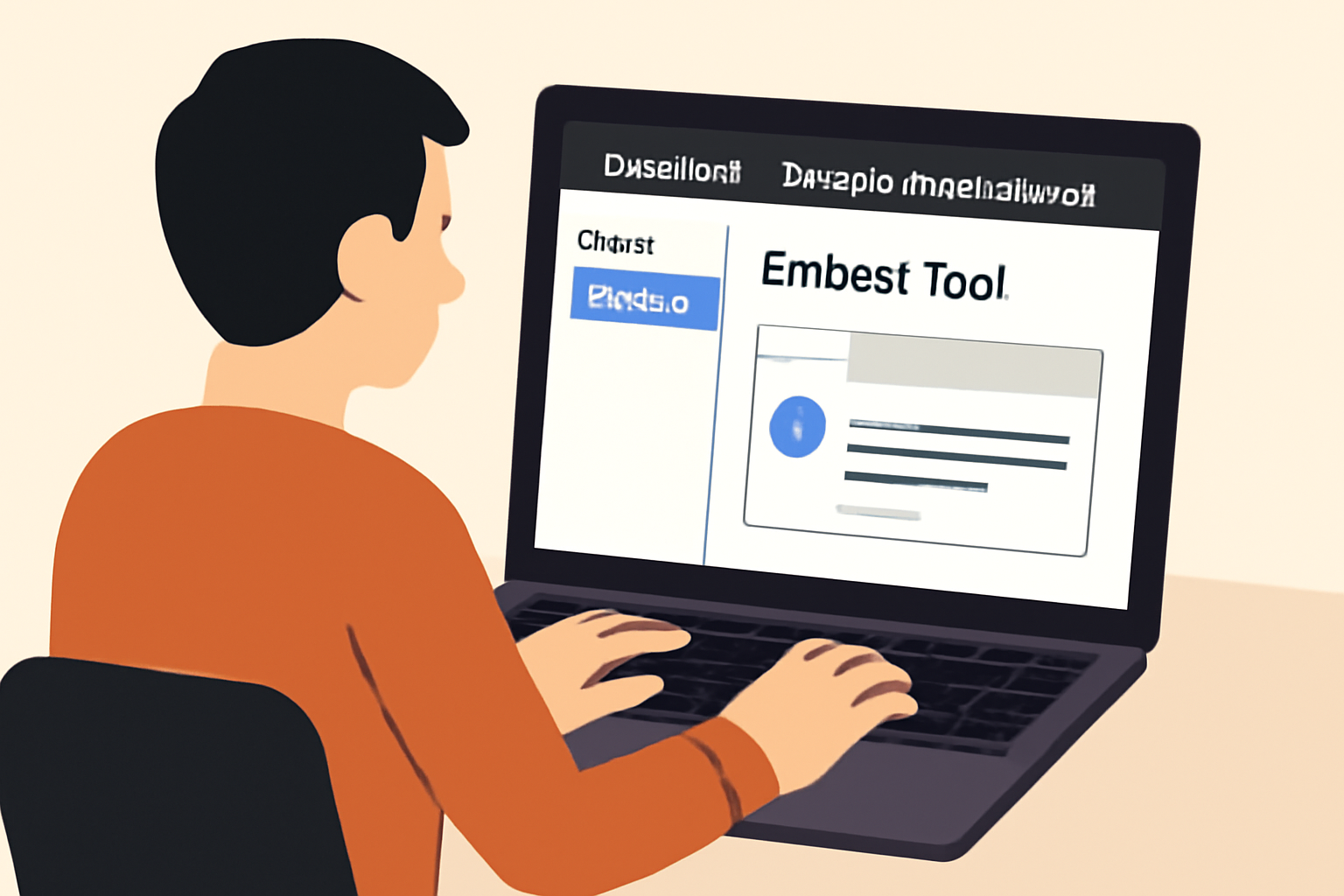 Access the Farcaster Embed ToolNavigate to the official Farcaster Developer Dashboard and locate the Embed Tool. This tool allows you to preview and test your Mini App in an environment that closely mimics the real Farcaster client experience.
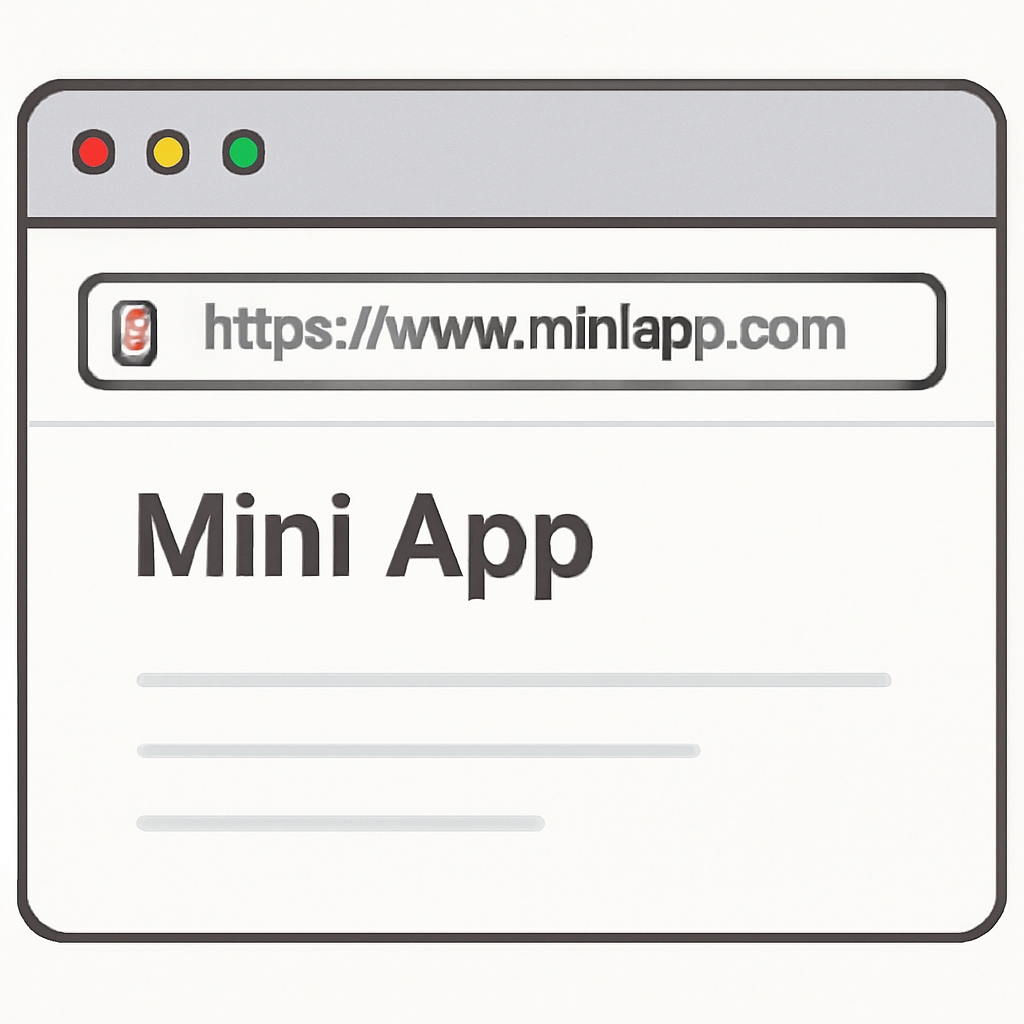 Enter Your Mini App URLInput the public URL of your deployed Mini App into the Embed Tool. Ensure your app is already deployed and accessible via HTTPS for accurate testing.
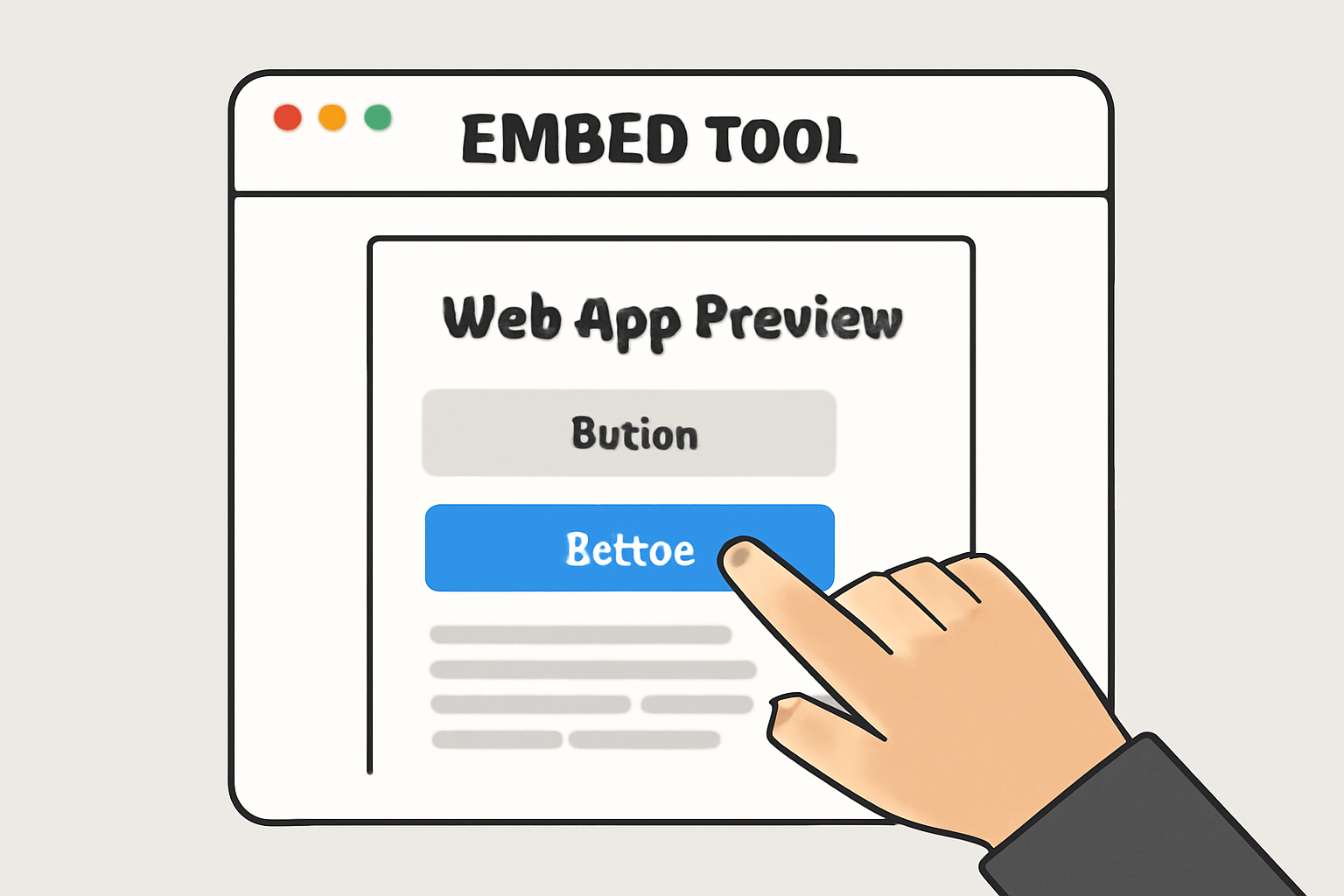 Preview and Interact with Your AppThe Embed Tool will load your Mini App as it would appear within Farcaster. Interact with all features—buttons, forms, and navigation—to ensure everything works as expected and the user experience is smooth.
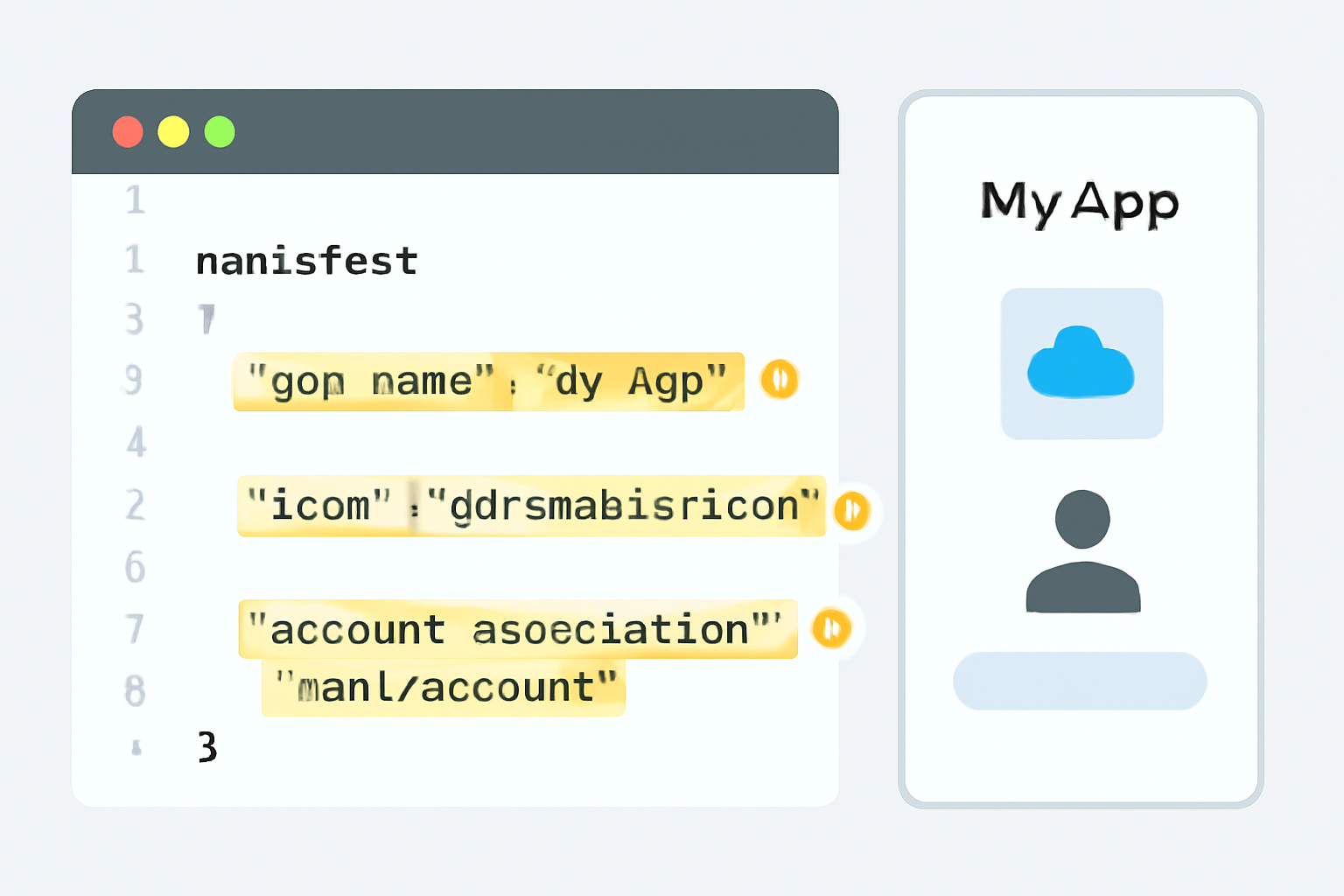 Verify Manifest and Account AssociationCheck that your Mini App’s metadata (name, icon, splash screen) displays correctly. If you’ve signed your manifest, ensure the account association is recognized by the tool. This step confirms your app is properly linked to your Farcaster account.
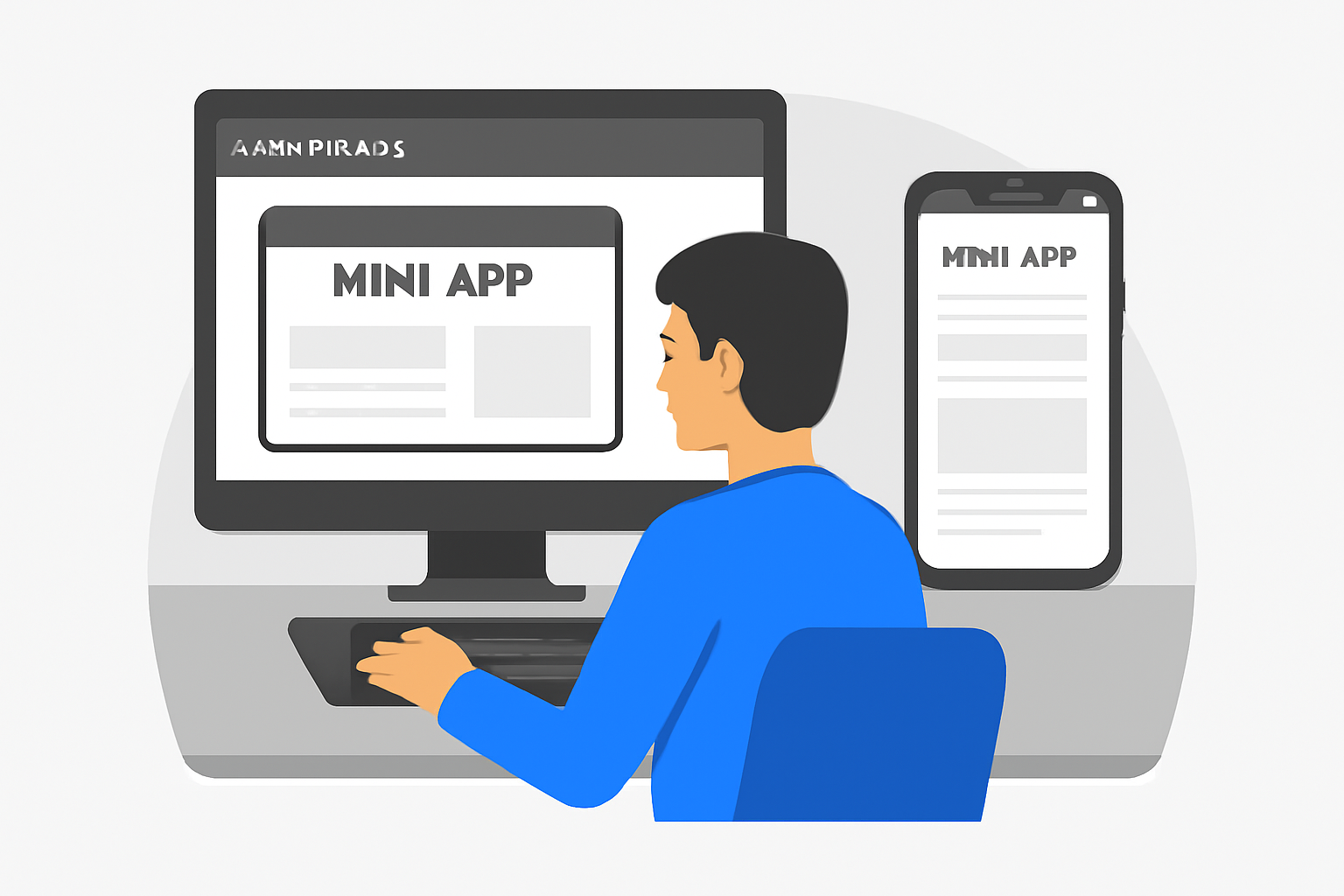 Test Across Devices and BrowsersUse the Embed Tool’s device simulation features to preview how your Mini App looks and behaves on different screen sizes and browsers. This helps catch any layout or compatibility issues before launch.
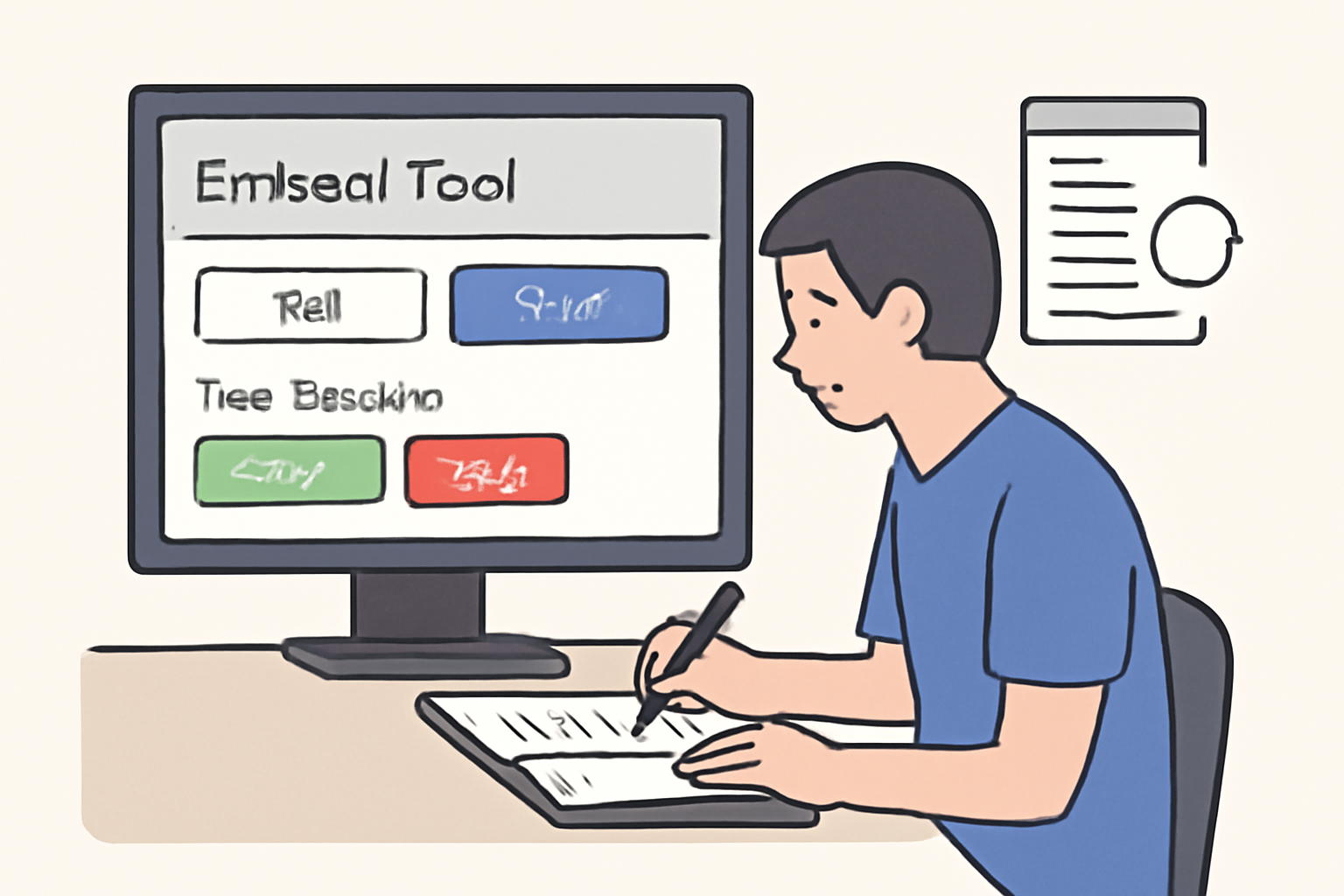 Review and Iterate Based on FindingsNote any bugs, UI glitches, or unexpected behaviors. Make necessary updates to your codebase, redeploy, and retest using the Embed Tool until your Mini App is polished and ready for users.
If you’ve enabled social authentication with providers like Privy or Neynar, confirm that users can sign in with their Farcaster accounts smoothly. Iterate based on feedback from early testers; rapid iteration is key in this fast-moving ecosystem.
Step 4: Launch Strategies and Community Growth
A successful launch isn’t just about shipping code, it’s about building momentum within the Farcaster social graph. Start by sharing your Mini App’s link in relevant casts, tagging influential community members who might amplify reach. Consider writing a short thread explaining what makes your app unique or how it leverages Frames for deeper engagement.
Leverage viral mechanics built into Frames, prompt users to share their results or experiences directly from inside the app. This creates organic loops where each interaction becomes an opportunity for discovery by new users across decentralized feeds.
Iterate Fast: Listen, Improve, Repeat
The beauty of building on open protocols is direct access to real user feedback, often within hours of launch. Monitor reactions closely via casts and DMs; prioritize bug fixes and UI tweaks that remove friction points. Popular apps often evolve rapidly based on grassroots suggestions rather than top-down roadmaps.
Proven Tactics to Grow Farcaster Mini App Adoption
- Leverage Farcaster's Social Graph: Integrate Farcaster login and social features to tap into its active user base, enabling seamless sharing and engagement within the network.
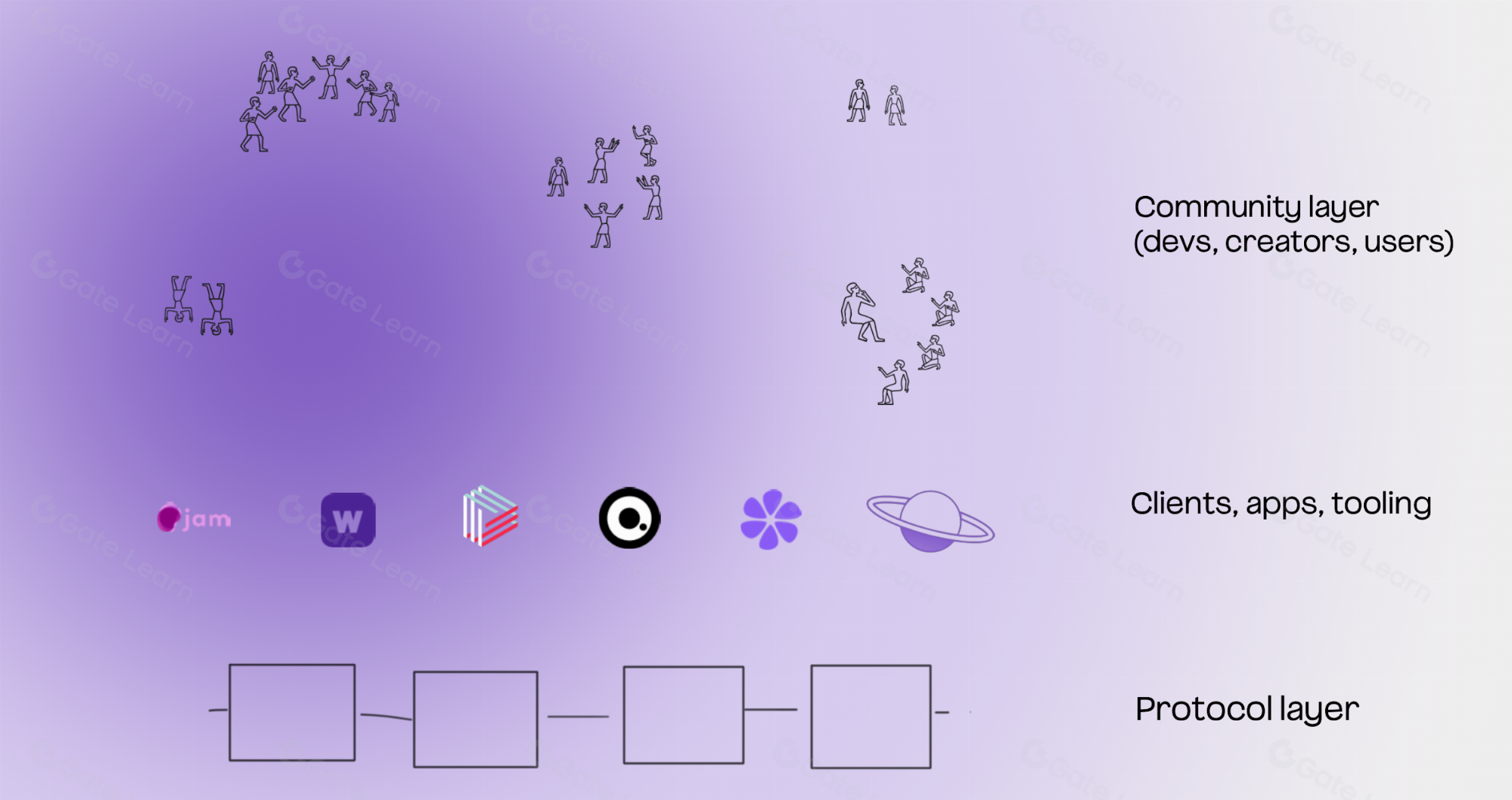
- Optimize for Viral Distribution: Design your Mini App to encourage recasting and sharing, using Farcaster-native actions that make it easy for users to spread your app organically across feeds.
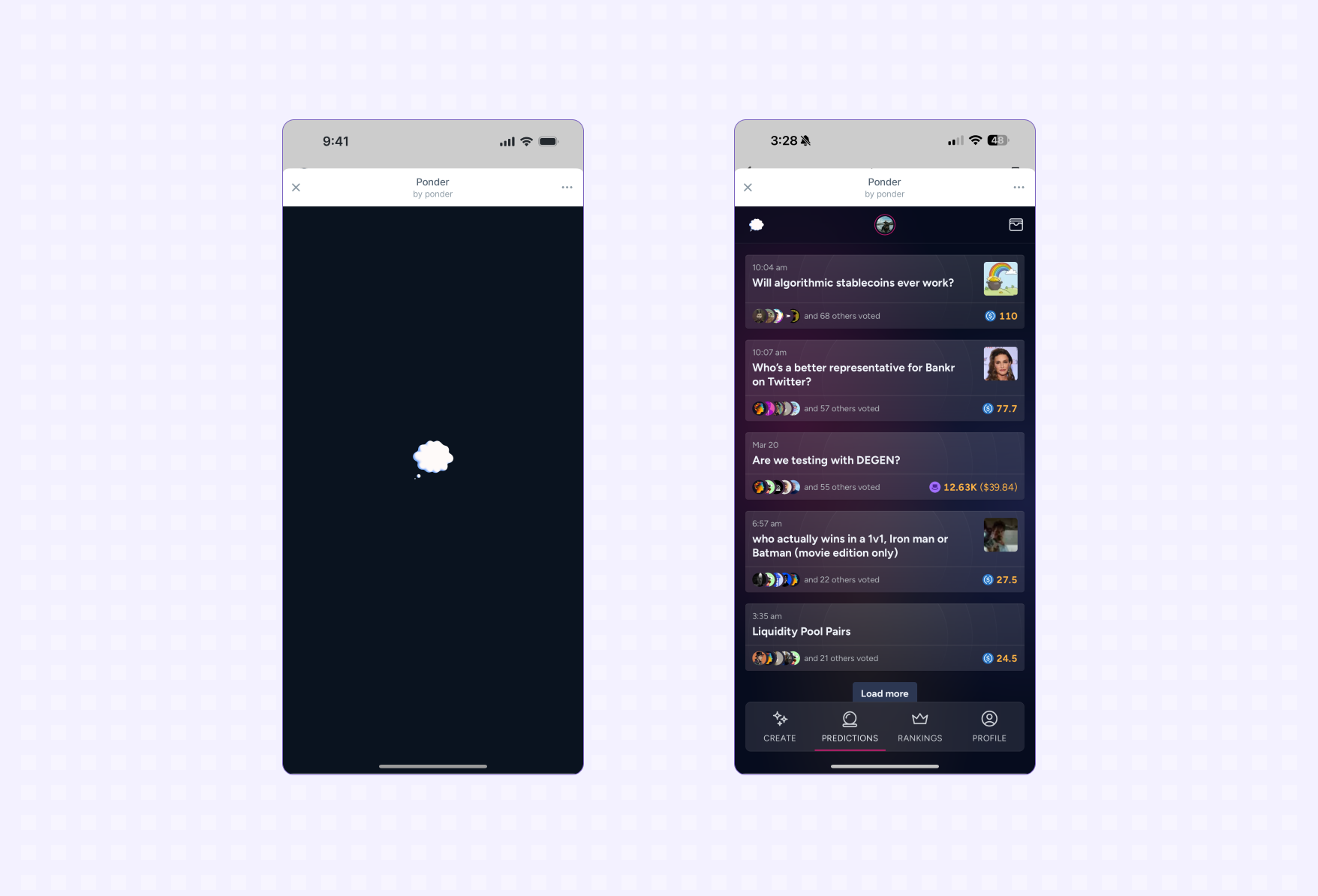
- Participate in Farcaster Ecosystem Channels: Regularly share updates and features in prominent Farcaster channels such as Warpcast and the Base Mini Apps community to boost visibility among engaged users.

- Monitor Feedback and Iterate Rapidly: Use tools like Vercel Analytics and direct user feedback from Farcaster to identify friction points, enabling fast improvements and higher retention.
Resources and Next Steps
The decentralized social landscape rewards experimentation and transparency. To deepen your expertise:
- Dive into Farcaster Documentation for protocol-level details.
- Explore Base’s Quickstart Guide for deployment nuances.
- If you want rapid prototyping tips, check out Neynar's 60-Second Guide.
The next wave of decentralized social innovation will be shaped by developers who understand both protocol mechanics and community dynamics. By following this step-by-step approach, from setup through viral distribution, you’re positioned not just to build an app but to help define what social experiences look like in Web3.
Stay curious and keep iterating, the Farcaster ecosystem is just getting started.




No comments yet. Be the first to share your thoughts!