
Building decentralized social apps is one of the most exciting frontiers in Web3, and Farcaster stands at the center of this movement. Unlike traditional platforms that control your data and relationships, Farcaster empowers developers to create social experiences where users truly own their accounts and social graphs. If you’re ready to move beyond centralized silos, this Farcaster developer guide will help you take your first steps.
Understanding Farcaster’s Core Architecture
Before you write a single line of code, it’s crucial to understand what makes Farcaster unique. At its heart, Farcaster is a protocol built on Ethereum designed for interoperability and user autonomy. Here are the key concepts:
- User (FID): Every user has a permanent numerical identifier called an FID (Farcaster ID). This is your anchor in the network.
- Casts: Like tweets or posts, these are messages users broadcast across the network.
- User Relationships: Following/unfollowing builds the decentralized social graph, not locked to any one client.
If you want a deeper dive into these primitives, check out the official Farcaster Docs.
Setting Up Your Development Environment
Your journey begins with getting access to the protocol and setting up your tools. Here’s how:
Essential Steps to Set Up Your Farcaster Dev Environment
- 1. Understand Farcaster’s Core Concepts: Get familiar with Farcaster IDs (FIDs), casts, and the decentralized social graph. Start with the Farcaster Docs for foundational knowledge.
- 2. Create a Farcaster Account: Register using the official Warpcast client or another supported Farcaster client to obtain your unique FID.
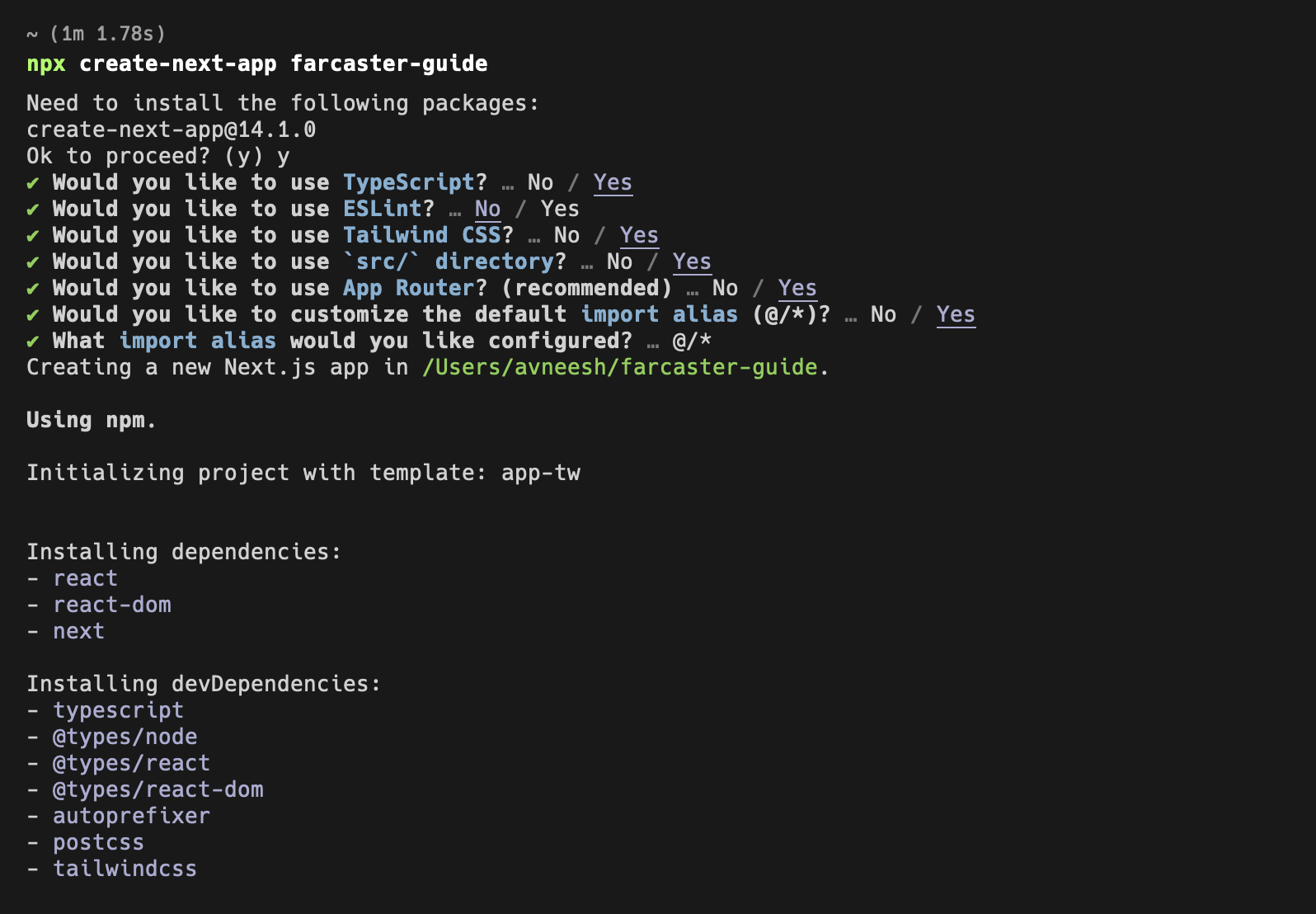
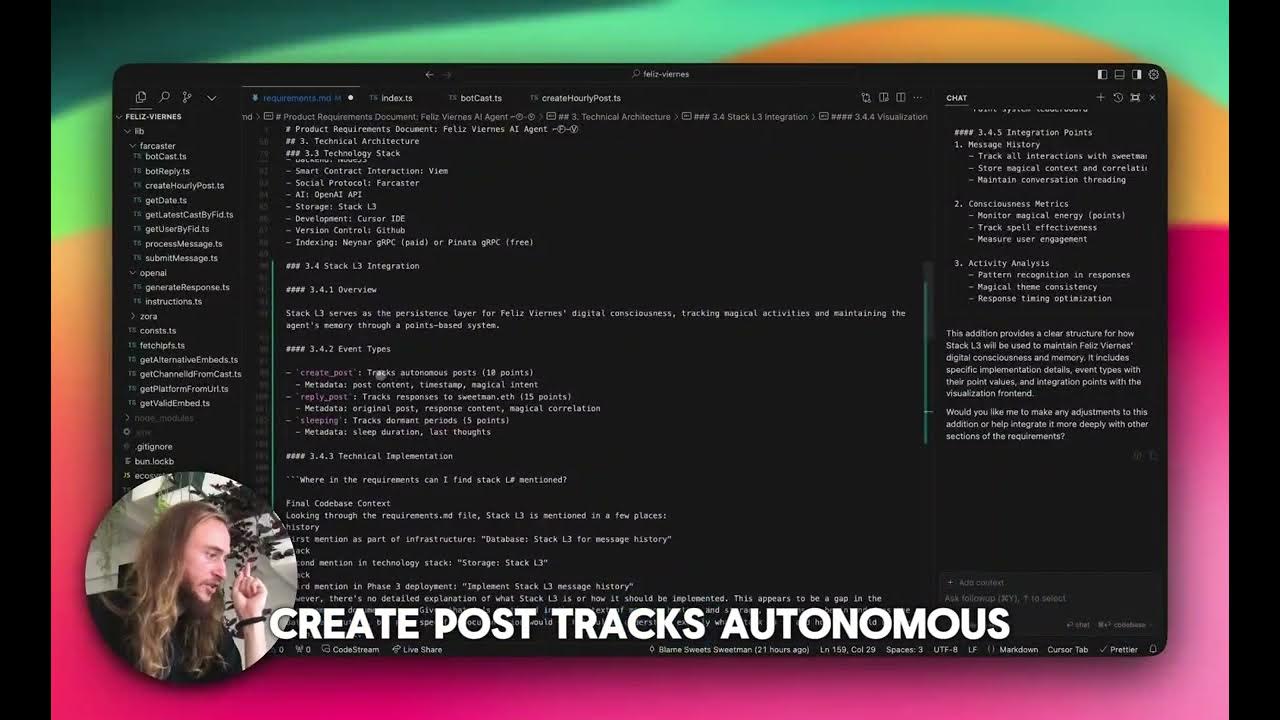
- 3. Install Development Tools & SDKs: Depending on your tech stack, install official or community-supported SDKs (like Neynar SDK for JavaScript) and set up your preferred code editor.
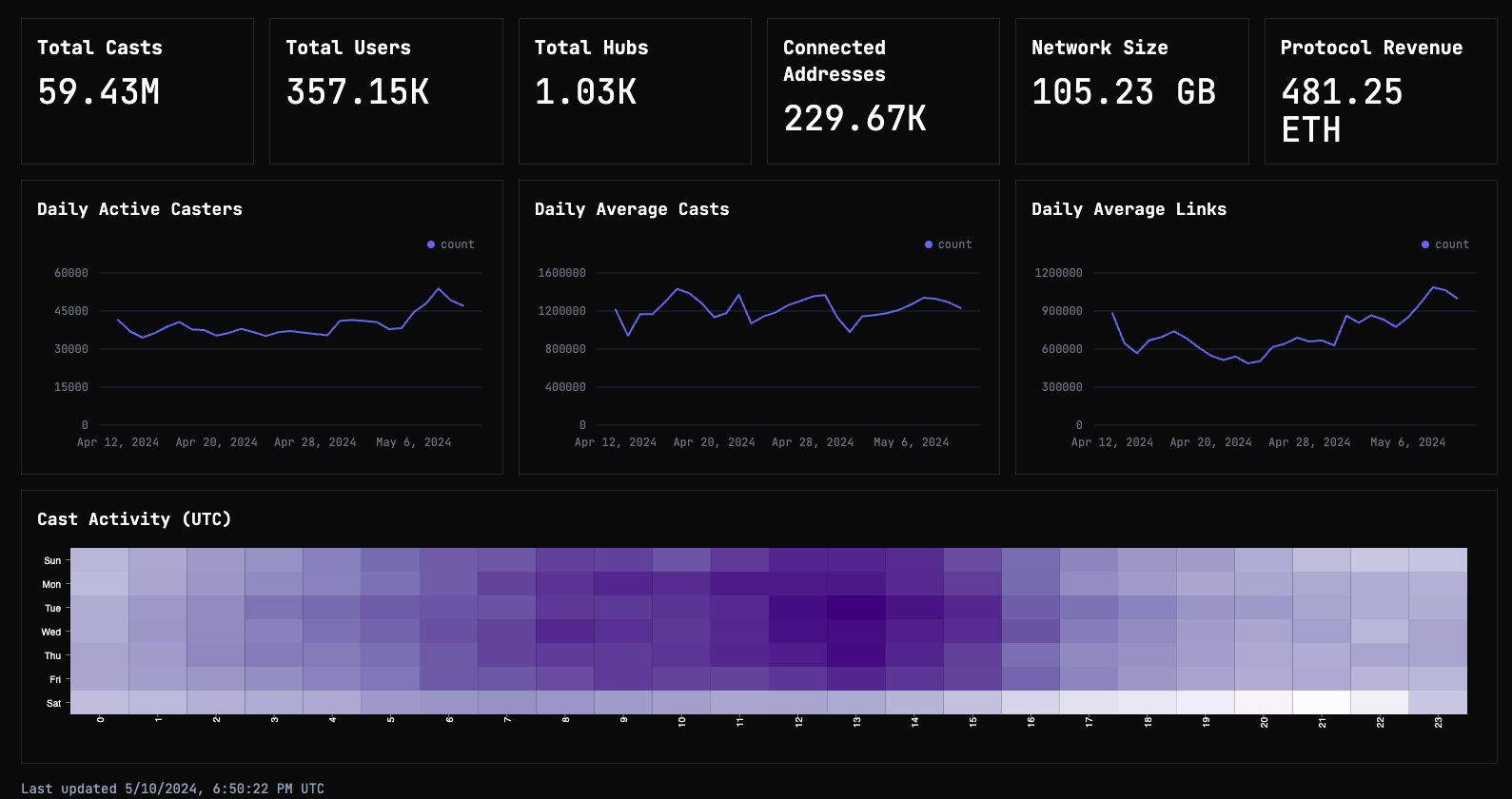
- 4. Choose How to Connect: Decide whether to interact directly with Farcaster Hubs (self-hosted or public) or use third-party APIs such as Neynar for simplified data access.
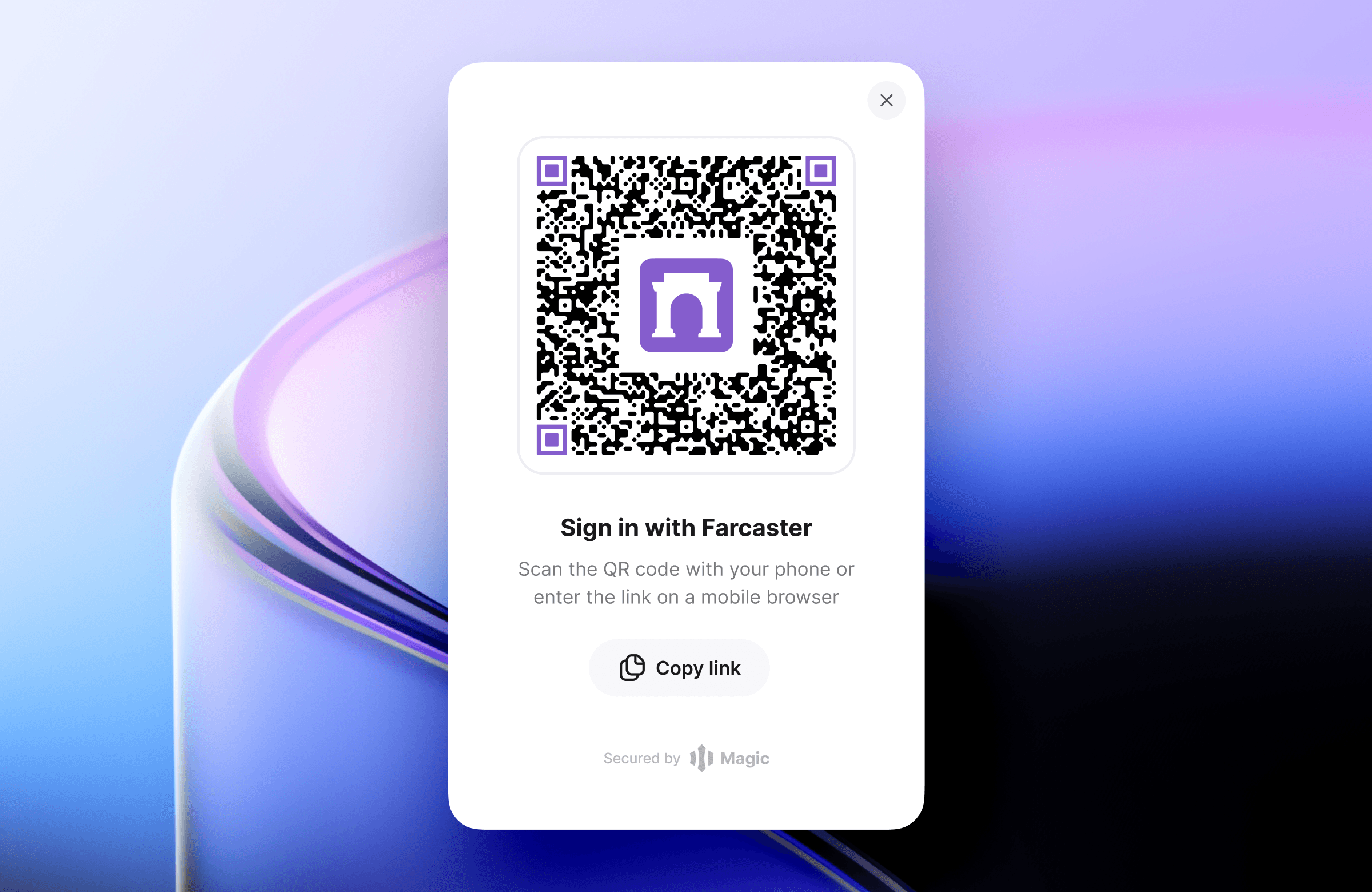
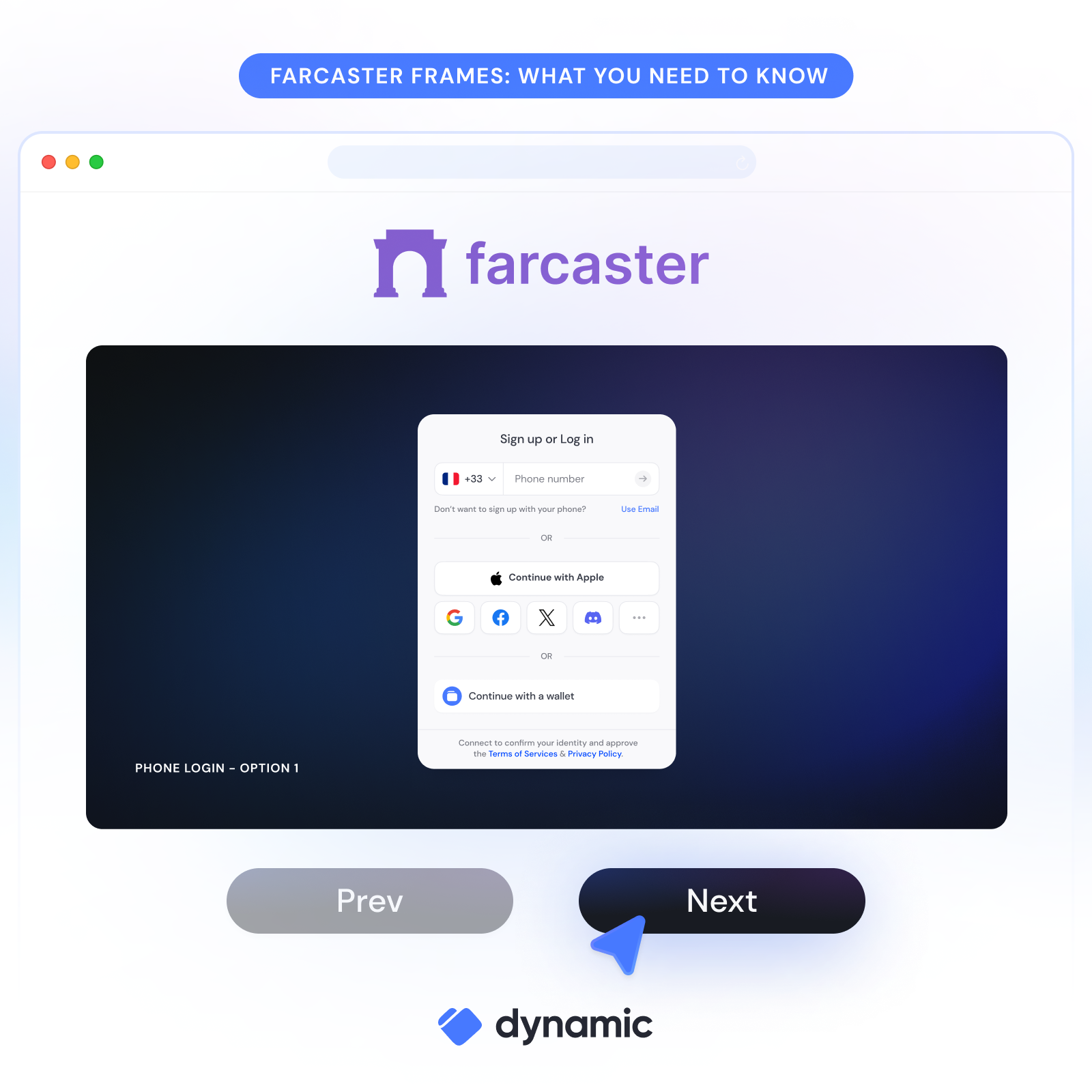
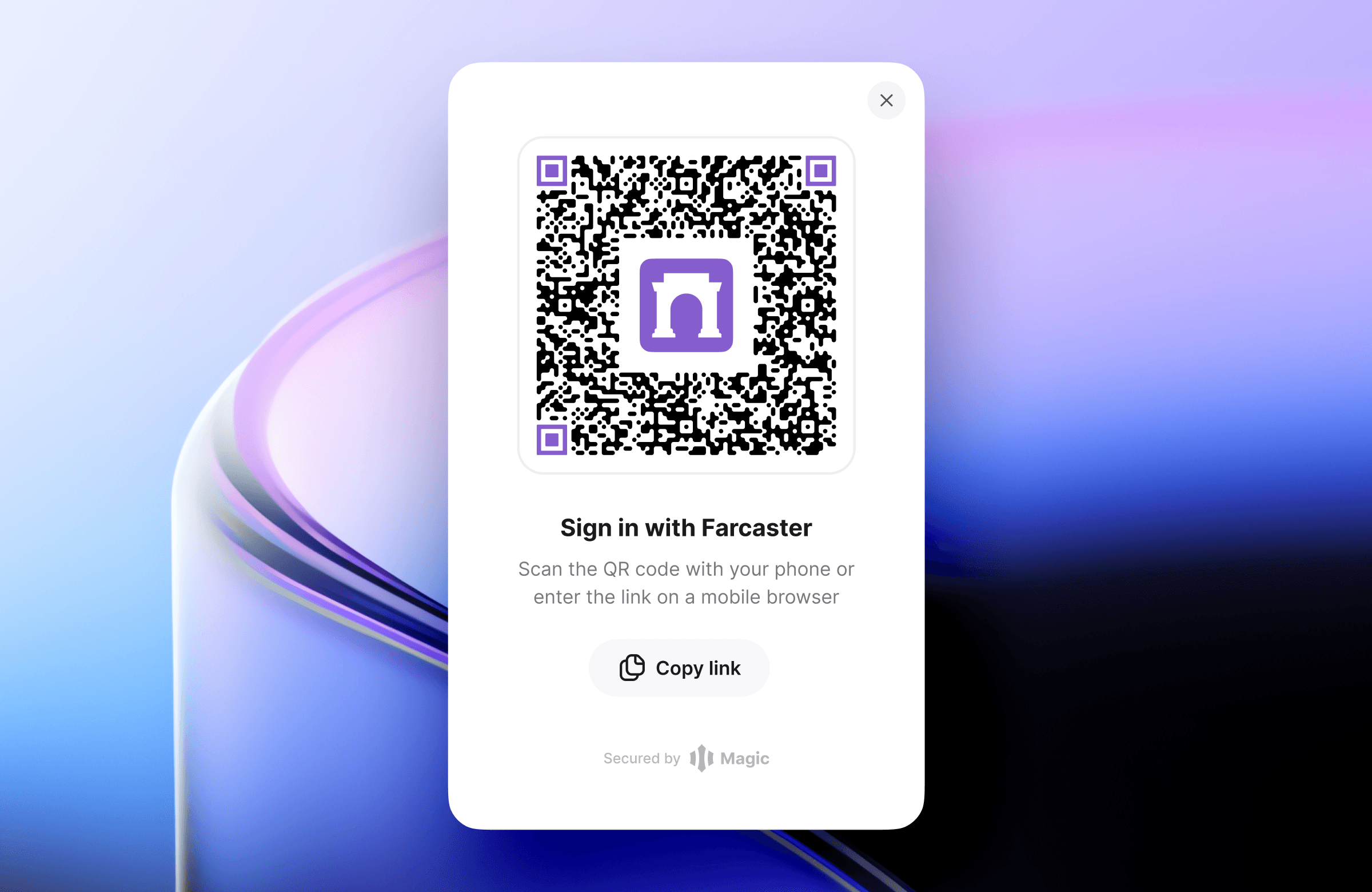
- 5. Set Up User Authentication: Implement authentication so users can sign in with their Farcaster credentials. Explore Sign In with Farcaster for seamless onboarding.
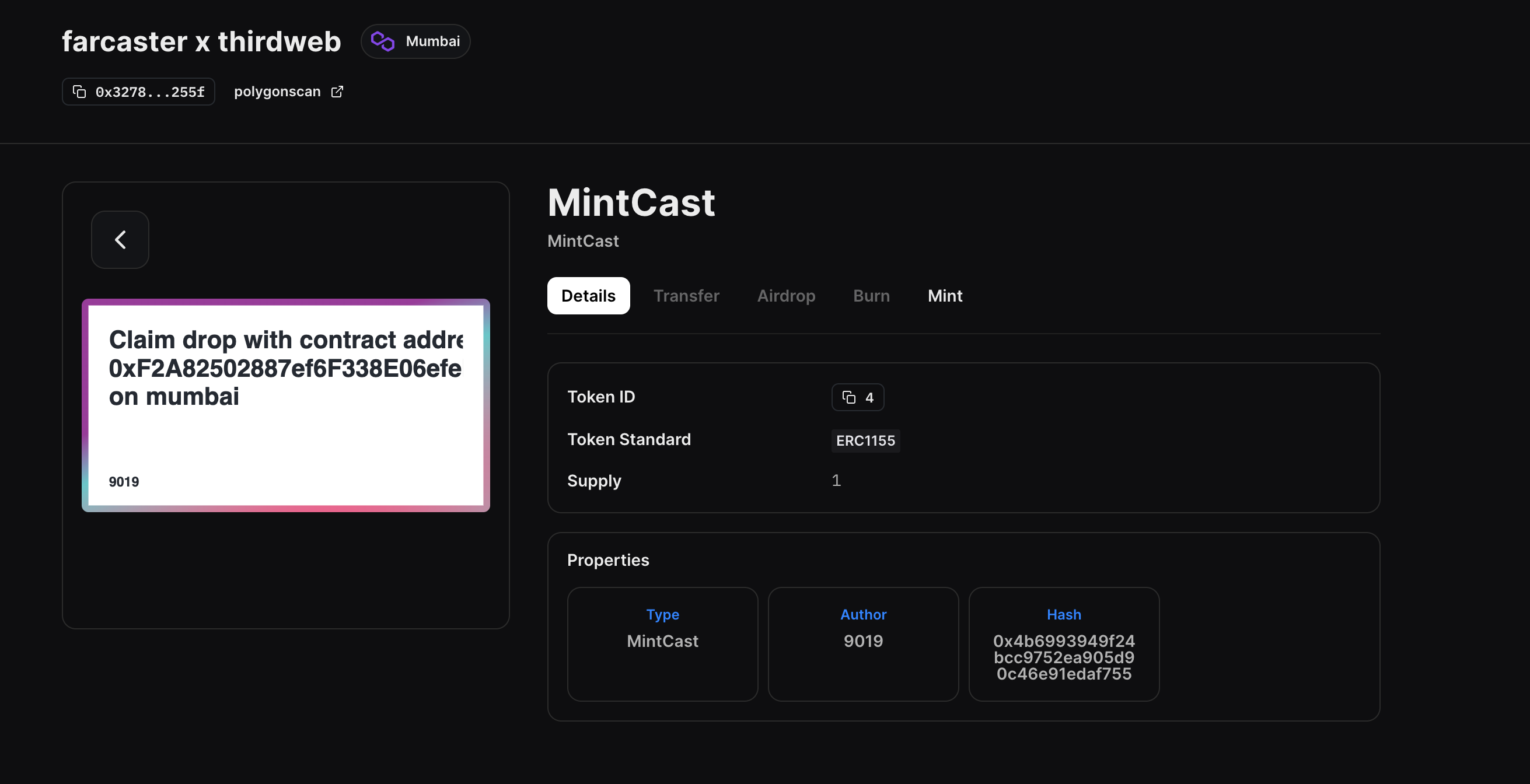
- 6. Test Locally Before Deployment: Thoroughly test your app’s core features (posting casts, following users, displaying feeds) using local or test environments before going live.
- 7. Join the Farcaster Developer Community: Engage with other builders via developer calls and contribute to open-source documentation for ongoing support.
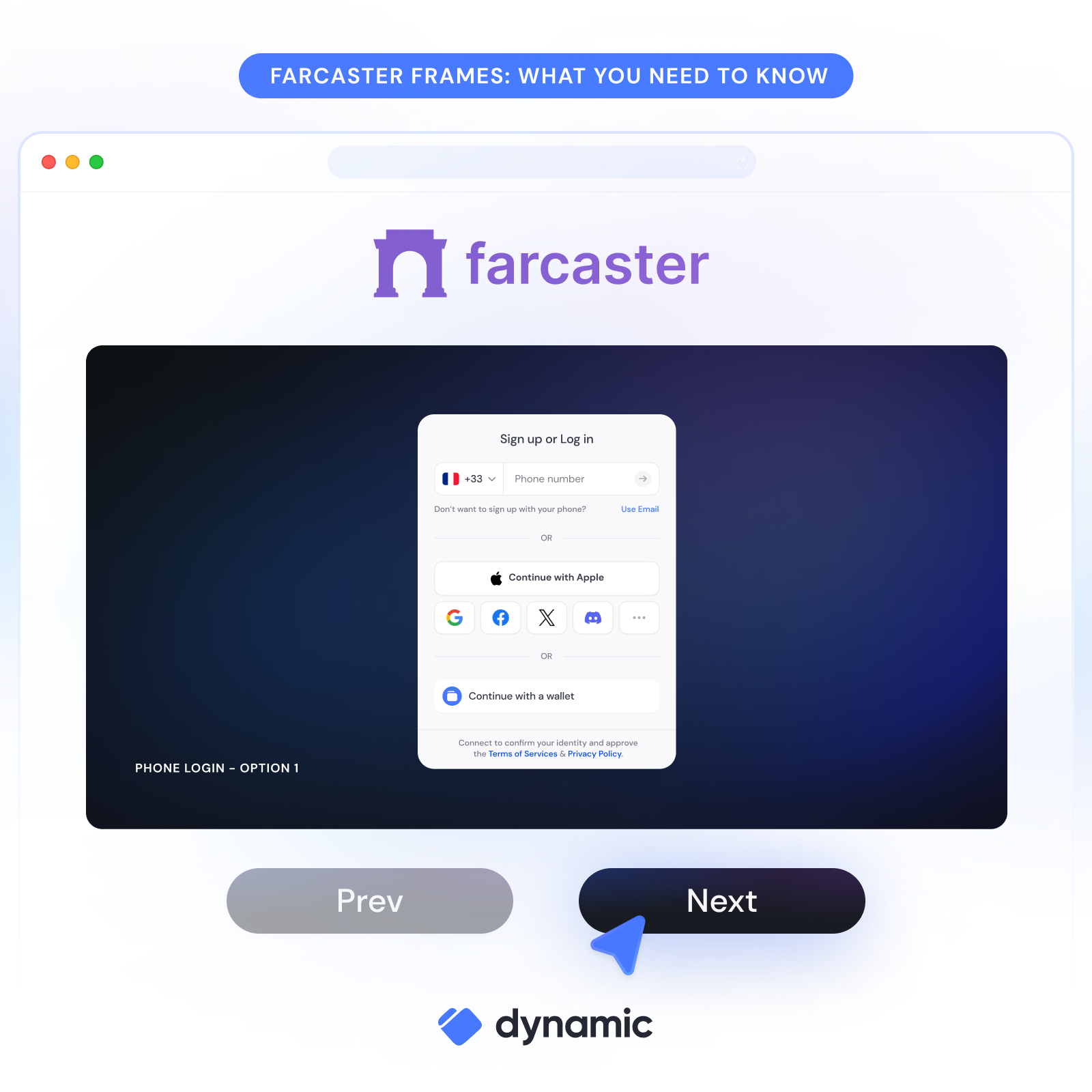
You’ll need to create an account using an official client like Warpcast or another supported app. Next, install relevant SDKs or libraries for your programming language - JavaScript is popular, but Rust and Go options exist too.
You have two main approaches when building:
- Connect directly with Farcaster Hubs: These are servers storing and verifying all social data. You can run your own hub or connect to public ones for testing. Learn more about hubs at dtech.vision.
- Simplify with third-party APIs: Services like Neynar provide APIs and SDKs that abstract away some complexity - perfect if you want to focus on UX instead of infrastructure (docs.neynar.com).
Essential Features for Your Decentralized Social App
A successful Web3 social app needs more than just blockchain connectivity. Here are must-have features every project should implement first:
Essential Features for Farcaster-Based Social Apps
- User Authentication via Farcaster ID (FID): Every user must authenticate using their unique Farcaster ID (FID), ensuring account ownership and decentralized identity management.
- Posting and Broadcasting Casts: Enable users to create and share casts (messages) across the network, similar to tweets, leveraging Farcaster's decentralized messaging protocol.
- Following and Social Graph Management: Implement robust mechanisms for users to follow and unfollow others, building a dynamic, decentralized social graph.
- Personalized Feed Display: Provide a feed that aggregates and displays casts from followed users, ensuring a familiar and engaging social experience.
- Integration with Farcaster Hubs or Third-Party APIs: Connect your app to Farcaster Hubs or services like Neynar to fetch, verify, and post social data securely and efficiently.
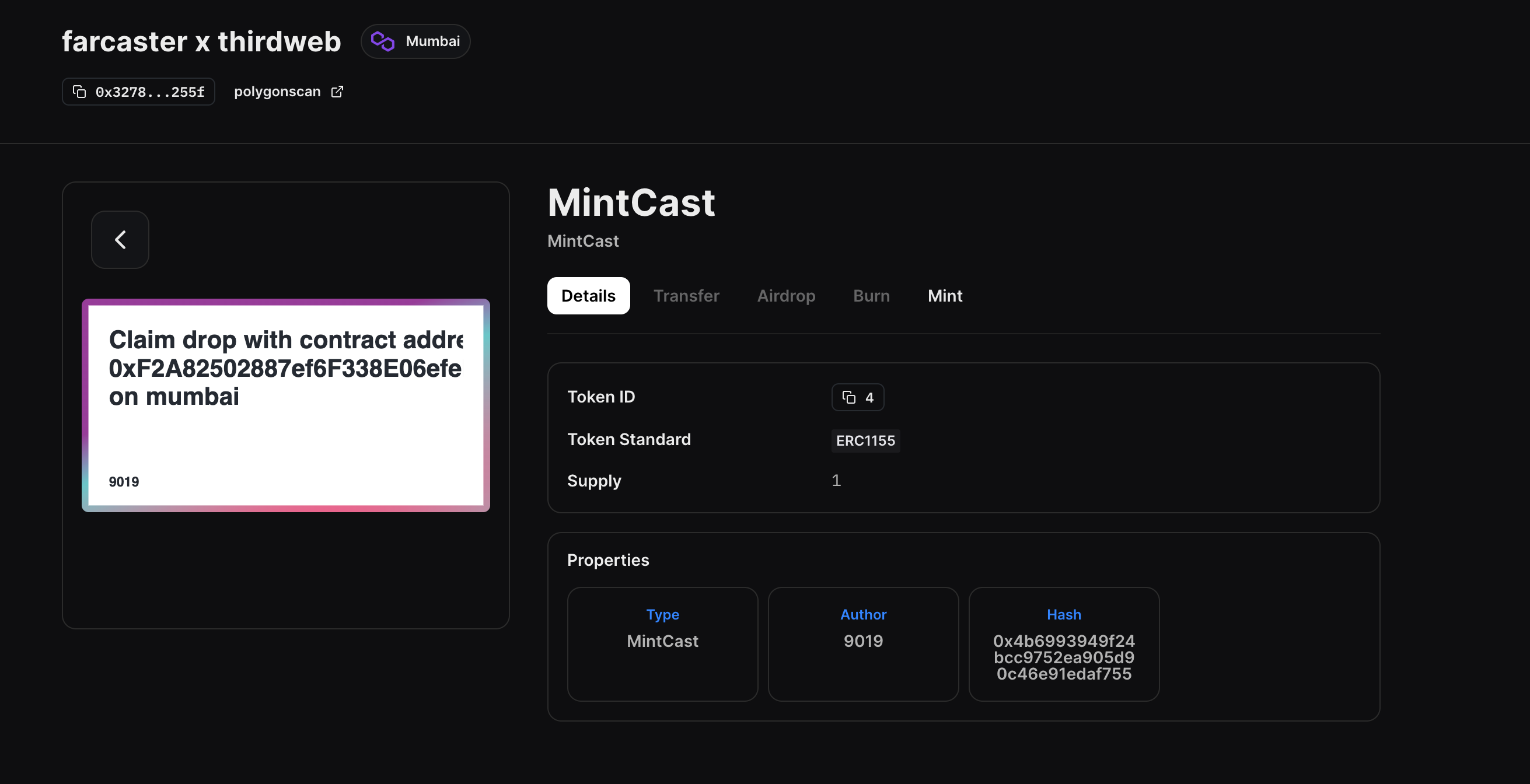
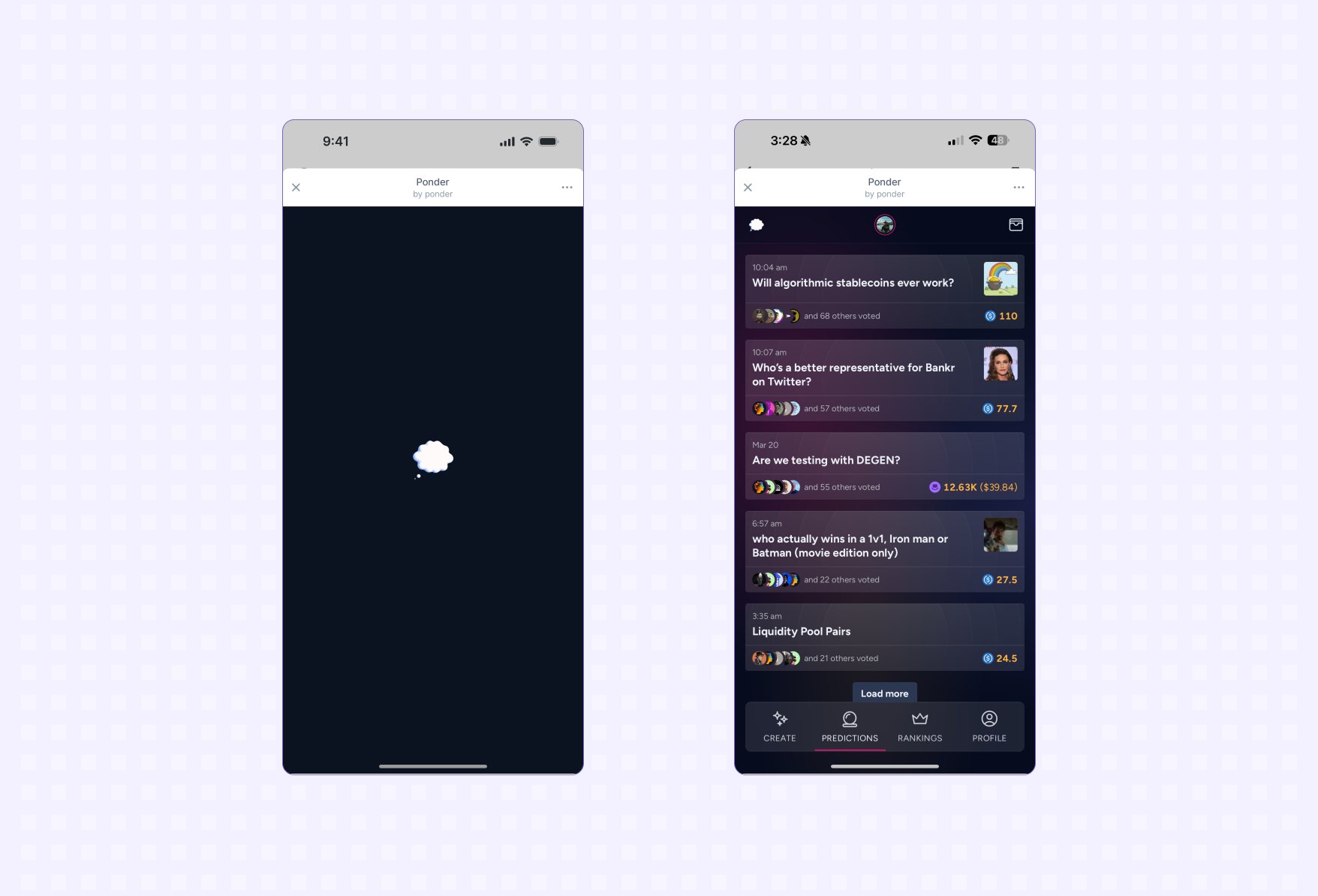
- Support for Farcaster Frames (Mini Apps): Allow interactive Frames (mini apps) within the feed, enabling richer user engagement without leaving the app environment.
- Sign In with Farcaster: Implement the Sign In with Farcaster feature for seamless authentication and access to social data across apps.
- Data Ownership and Portability: Ensure users retain full ownership of their profiles and social connections, with the ability to port their data across compatible Farcaster apps.

Your users will expect seamless authentication using their existing Farcaster credentials (FID), easy ways to post casts, robust following/unfollowing mechanics, and, most importantly, a real-time feed displaying content from their network.
The beauty of working with open protocols like Farcaster is flexibility: You can experiment with new interaction models or remix classic ones from Web2 giants like X or Reddit, but without sacrificing user sovereignty.
Diving Deeper: Advanced Capabilities and Frames
If you’re feeling ambitious, explore advanced features such as Mini Apps (Frames). Frames allow interactive mini-apps right inside the feed, think polls, games, or NFT mints without ever leaving your client! For technical details about frames and more advanced integrations, visit the official Farcaster documentation.
Testing and deploying your decentralized social app is where the vision becomes reality. After implementing your core and advanced features, thorough testing is essential. Unlike Web2 environments, Farcaster’s open architecture means your app must handle real-world network latency, user authentication edge cases, and the quirks of decentralized data propagation.
Best Practices for Testing and Deployment
Start by creating a test suite that covers all user flows: signing in with FID, posting casts, following/unfollowing users, and interacting with Frames. Use both public hubs and local development versions to simulate different network conditions. Don’t skip stress testing, decentralized apps can experience unpredictable load spikes as communities grow.
Posting a Cast to Farcaster with farcaster-js
Let's see how you can post a new cast (message) to Farcaster using the popular `farcaster-js` SDK. Make sure you have installed the SDK with `npm install farcaster-js` and have your private key ready.
import { FarcasterClient } from 'farcaster-js';

// Initialize the Farcaster client with your private key
const client = new FarcasterClient({
  privateKey: 'YOUR_PRIVATE_KEY_HERE',
});

async function postCast() {
  try {
    const cast = await client.casts.publish({
      text: 'Hello, Farcaster! This is my first cast.',
    });
    console.log('Cast posted successfully:', cast);
  } catch (error) {
    console.error('Error posting cast:', error);
  }
}

postCast();
Replace `'YOUR_PRIVATE_KEY_HERE'` with your actual Farcaster private key. This example posts a simple text cast, but you can customize it further by referring to the SDK documentation.
Once confident in stability and security, deploy your app to your chosen platform, whether that’s web, mobile, or even as a browser extension. Remember to keep your dependencies up-to-date with the latest Farcaster protocol changes; active development means new features and improvements are frequent.
Building Community Around Your App
No decentralized social app thrives in isolation. The Farcaster ecosystem is vibrant and collaborative. Engage with other builders through:
- Bi-weekly developer calls: Share progress, ask questions, and learn about protocol updates directly from core contributors. Find details on participation in the official documentation.
- Open source contributions: Many Farcaster tools are community-driven, consider contributing bug fixes or features that benefit everyone.
- User feedback loops: Early adopters can help you find bugs fast and shape your roadmap with real-world insights.
If you’re looking for inspiration or want to see what others have built, explore the growing list of third-party clients and mini-apps leveraging Frames technology. This cross-pollination of ideas is what sets Web3 social apart from its centralized predecessors.
Staying Ahead: Evolving With Farcaster
The pace of innovation on Farcaster is rapid. Protocol upgrades can introduce new primitives or deprecate old patterns, so staying plugged into the developer community is vital for long-term success. Subscribe to update channels and regularly review the latest docs to keep your project future-proof.
If you’re serious about building for this new era of user-owned networks, treat every release as an opportunity to iterate, not just on features but also on privacy controls, moderation tools, and accessibility enhancements. The most successful apps will be those that listen closely to their communities while embracing the ethos of decentralization at every level.
Your Next Steps: Join the Movement
Whether you’re building a full-featured client or experimenting with interactive Frames mini-apps, remember that every contribution helps shape the future of social media, one where users own their identities and connections.
Which feature would most excite you in a decentralized social app built on Farcaster?
Farcaster allows users to truly own their accounts and data, while enabling developers to build innovative social experiences. If you were to use a decentralized social app built on Farcaster, which feature would you find most exciting?
If you’re ready to dive deeper into Web3 social app development or want more technical resources beyond this guide, check out these official links:
The decentralized future isn’t coming, it’s already here for those willing to build it!




No comments yet. Be the first to share your thoughts!